700M HFID 6-2-15
119
Output Test
→
→
→
→
→
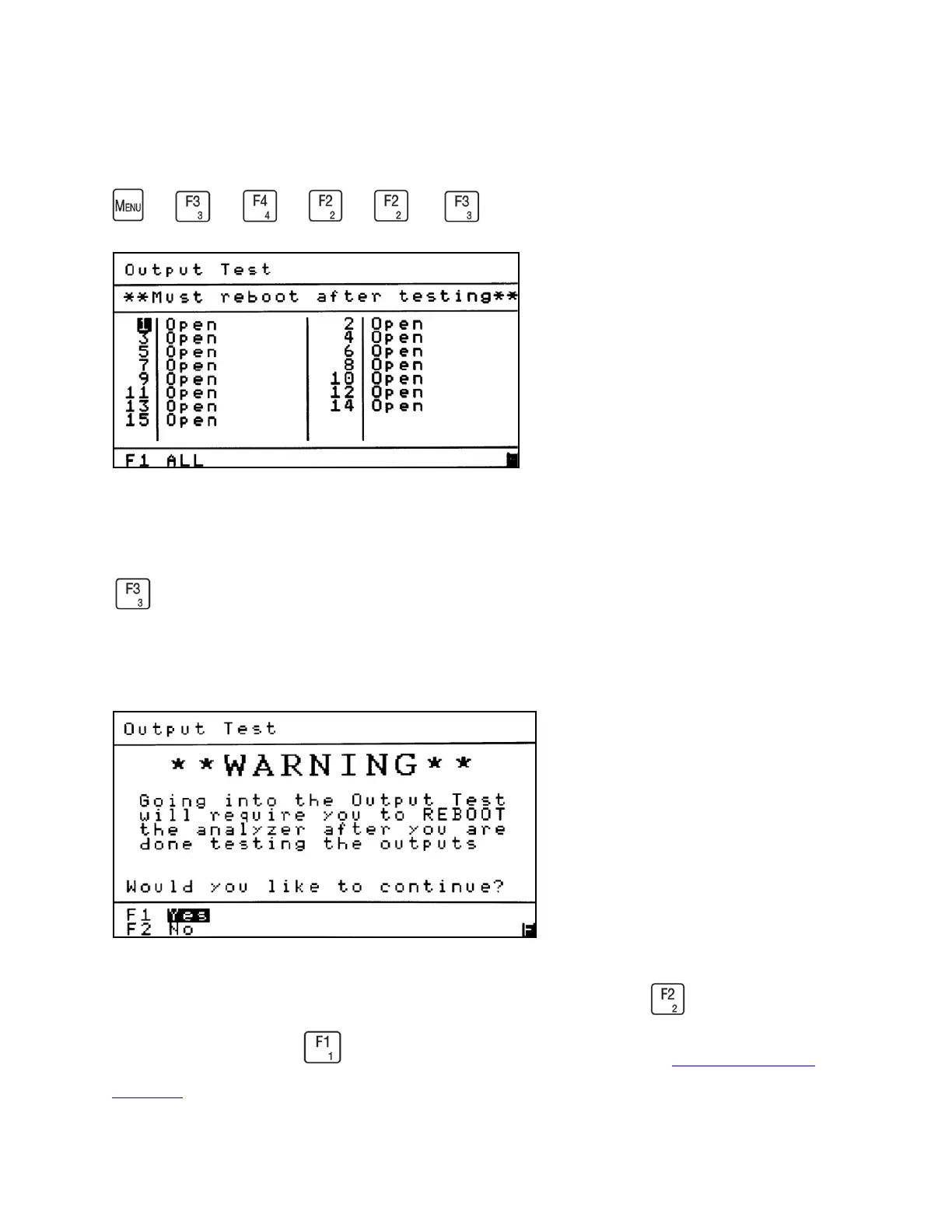
The Output Test Screen allows the operator to test the Programmable Digital Outputs to
make sure they are functioning properly. The Output Test Screen is accessed by pressing
from the Programmable Digitals menu. The Output Test Warning screen (shown below)
first appears, asking if you wish to continue the output test. If you proceed with the test, you
must reboot the analyzer to exit the output test.
To exit the Output Test screen and proceed with normal operation press . To continue to the
Output Test screen press . For information on output connections see Analog and Digital
Interface.



 To Next Page