700M HFID 6-2-15
126
Alarms Menu
→ →
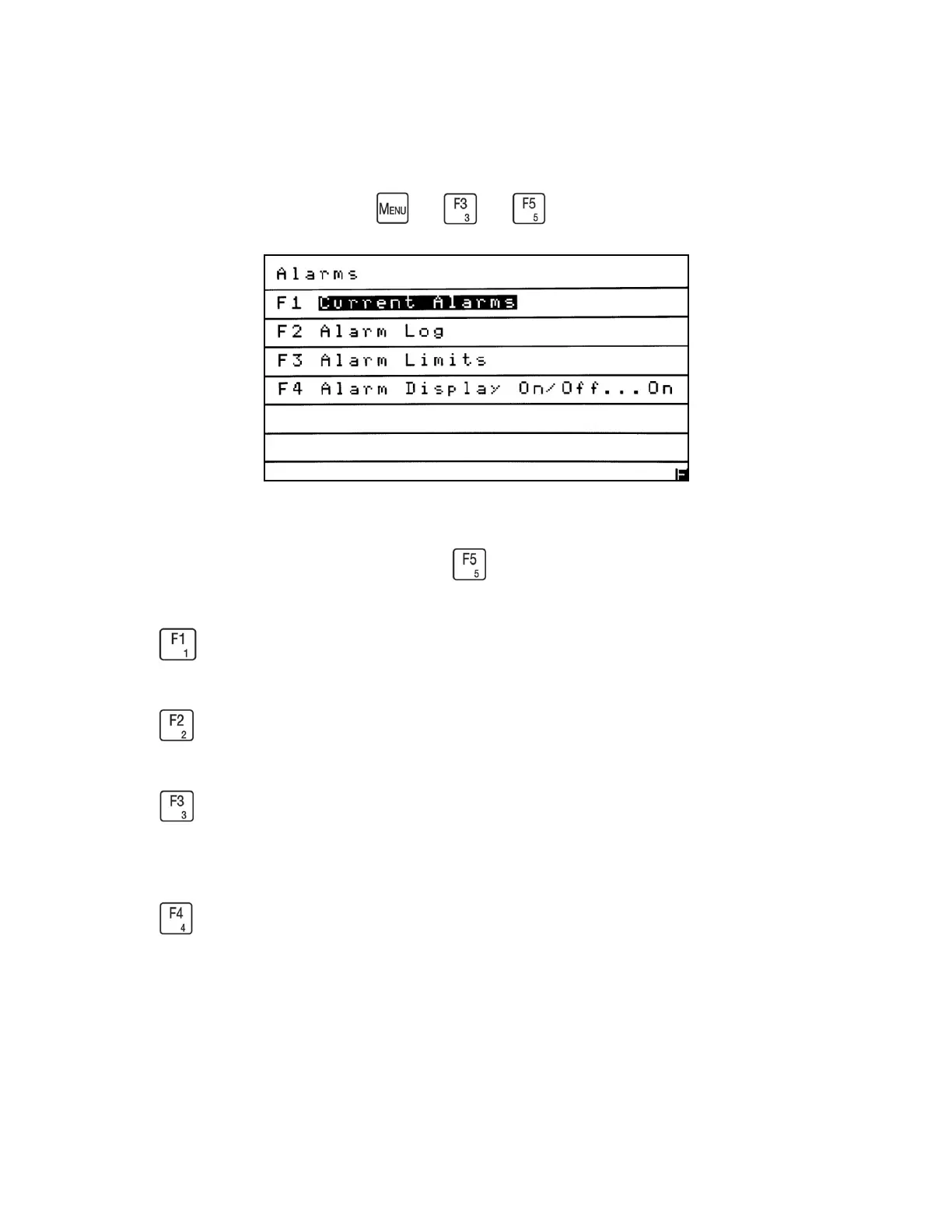
The Alarms menu allows the operator to view Current Alarms, the Alarm Log and settable
Alarm Limits. From the Menus screen press to access the Alarms menu.
Press to access the Current Alarms screen and view the alarms that are currently active.
Press to access the Alarm Log. The operator can view a log of the last 40 alarms.
Press to access the Alarm Limits menu. The operator can view or change the existing alarm
limits.
Press to turn On or Off the display of the active alarms that scroll across the bottom of the
Measure screen. The current setting is shown on the Alarms menu on the right side of the screen
after the ellipsis (…). Example: Alarm Display. . . On.



 To Next Page