700M HFID 6-2-15
67
Auto Calibration/Check
→
→
→
→
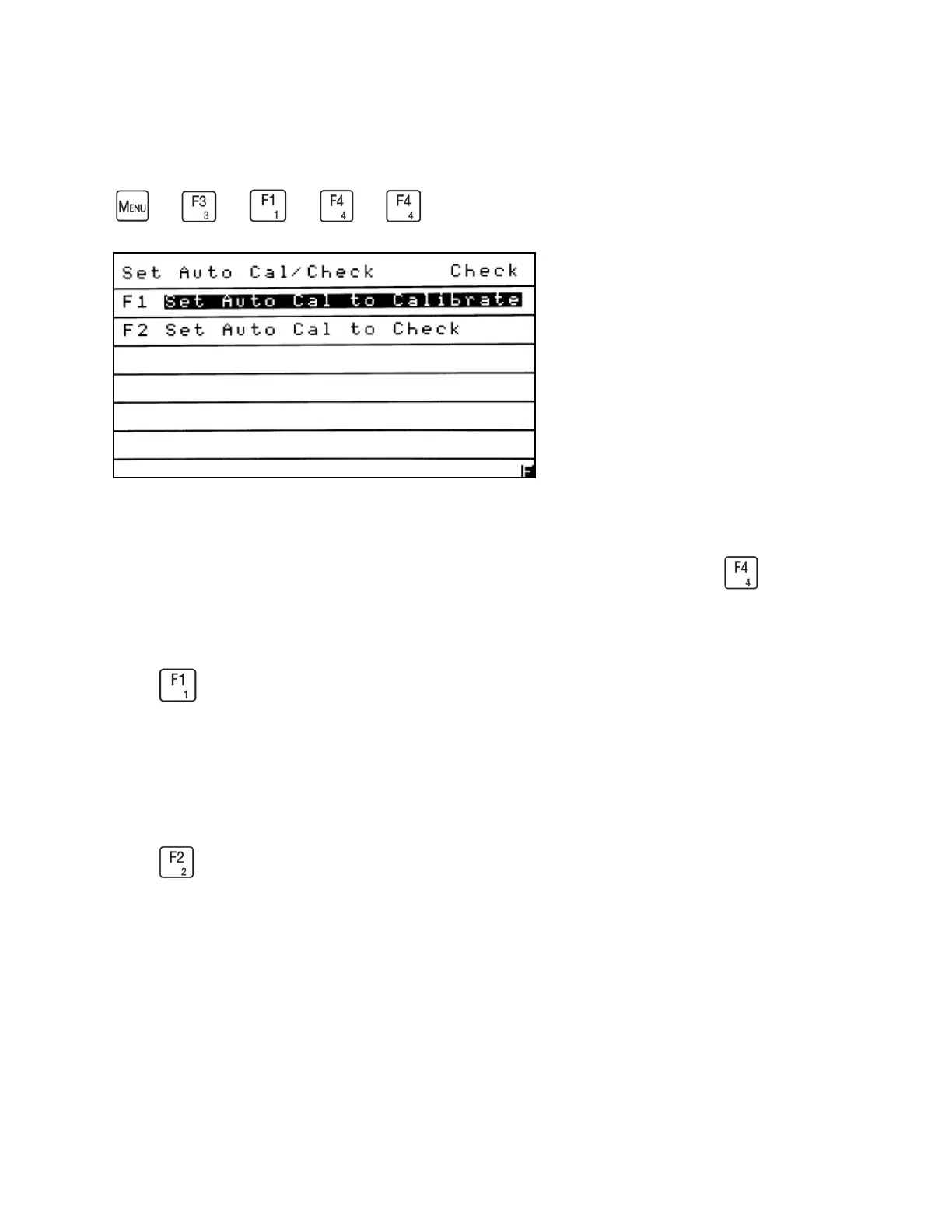
Auto Calibration/Check lets the operator select whether the analyzer actually calibrates, or
performs a check of the calibration. To access the Auto Cal/Check menu, press from the
Calibration Setup menu. The current setting is shown on the upper right corner of the screen.
Press to set the analyzer parameter to Calibrate. The setting will be saved and the analyzer
will return to the Calibration Setup menu. The Calibration Setup menu shows the current setting
on the right side of the screen after the ellipsis (. . .).
Example: AutoCal/Check . . . Cal.
Press to set the analyzer parameter to Check. The setting will be saved and the analyzer
will return to the Calibration Setup menu. The Calibration Setup menu shows the current setting
on the right side of the screen after the ellipsis (. . .).
Example: AutoCal/Check . . . Check.



 To Next Page