700M HFID 6-2-15
140
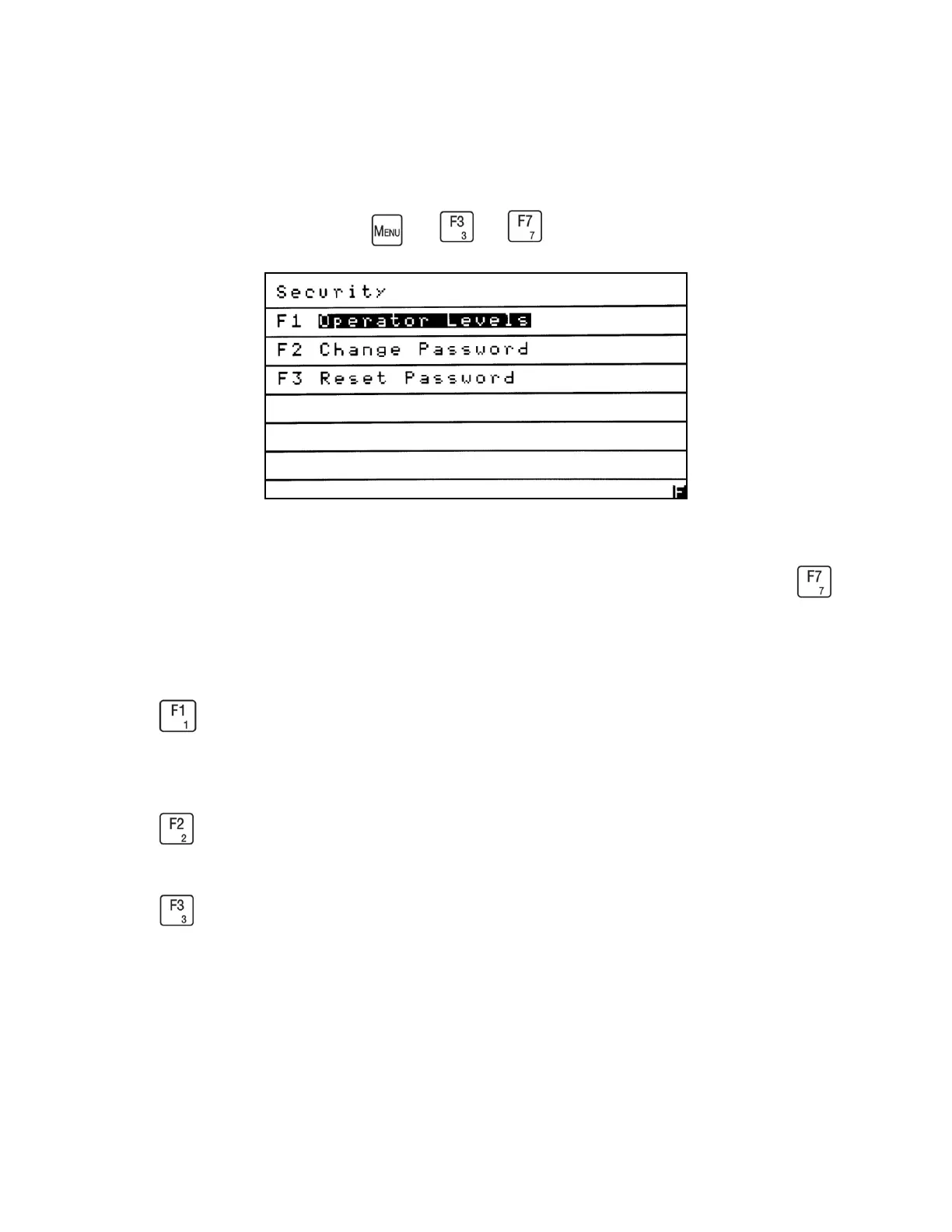
Security
→ →
The Security menu allows the operator to change the access to Standard or Setup Function
menus and change or reset the Setup Function password. From the Menus screen press
to access the Security menu.
Press to set the operator’s access level. The Operator Levels menu allows the operator to
choose either Standard Functions or advanced Setup Functions.
Press to change the password that allows the operator access to the Setup Functions menu.
Press to enter the master password that resets the Setup Functions password to the original
factory setting.



 To Next Page