700M HFID 6-2-15
61
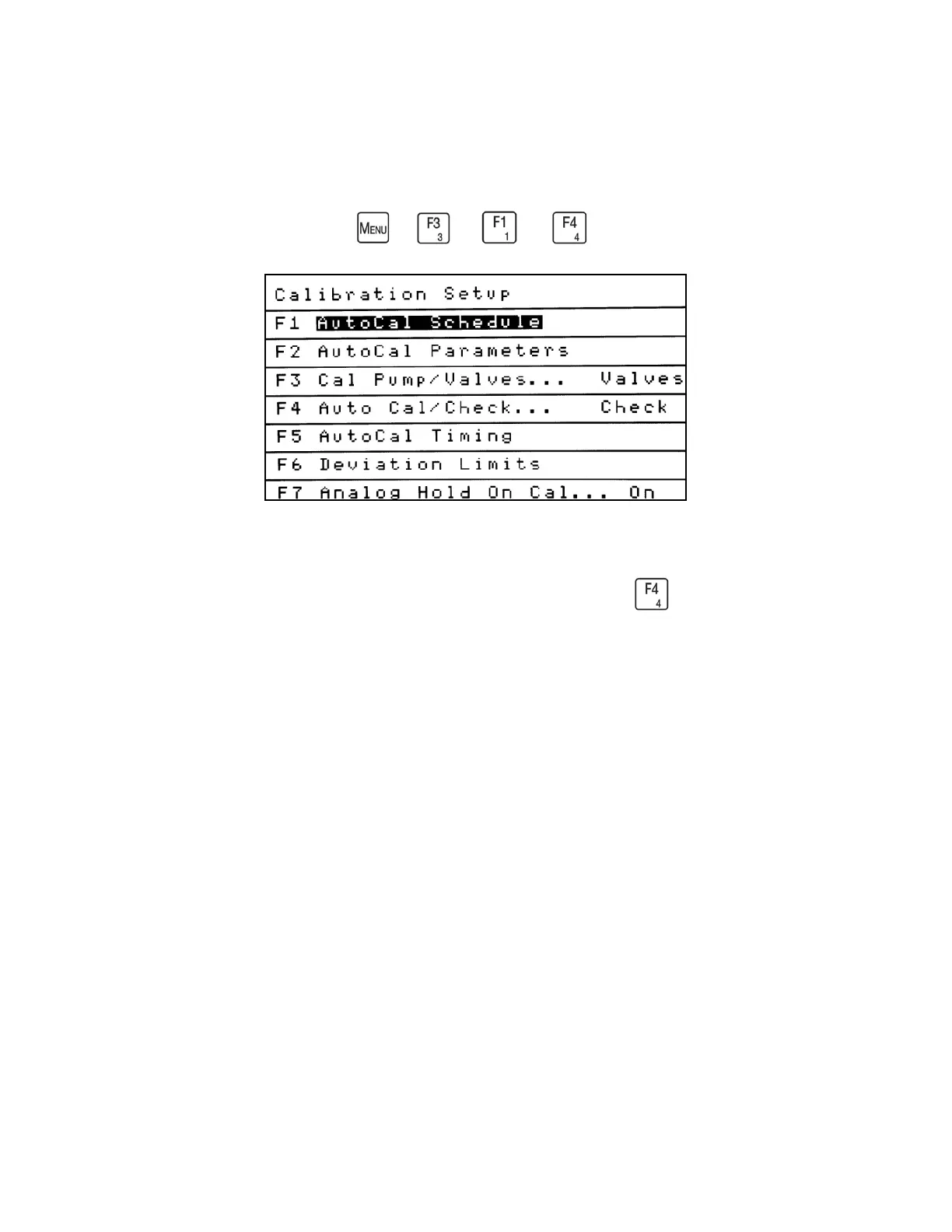
Calibration Setup
→
→
→
The Calibration Setup menu provides all the parameters necessary for completing a
successful calibration. To access the Calibration Setup menu, select from the Calibration
menu.
All parameters on the Calibration Setup menu apply to Automated Calibration. The following
also apply to Manual Calibration: Cal Pump/Valves, Auto Cal/Check, Deviation Limits and
Analog Hold on Cal. All settings should be verified for correct information before a manual or
automated calibration is attempted.
Please note that the Calibration Setup menu shows the current settings on the right side of the
screen after the ellipsis (…). Example: Cal Pump/Valves . . . Valves.



 To Next Page