700M HFID 6-2-15
41
Analyzer Info
→
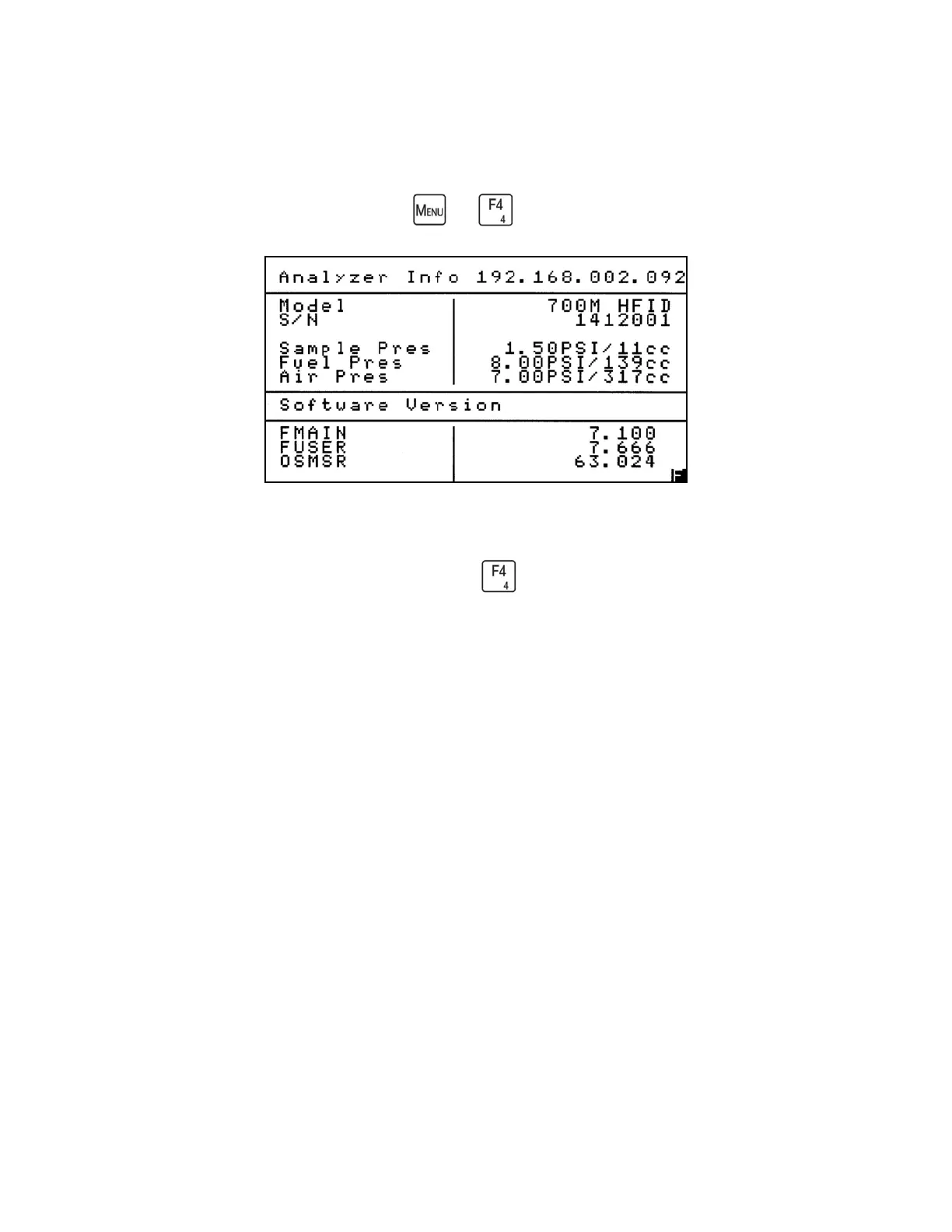
The Analyzer Info screen contains the basic identity of your 700M HFID Analyzer. The
Analyzer Info screen is accessed by pressing the key on the Main Menu.
This screen includes the Model and Serial Number of your analyzer (for easy identification if
you are discussing your analyzer with CAI), factory settings for Sample pressure, Fuel pressure
and Air pressure, and the software versions being used. The analyzer’s current IP address
appears in the upper-right corner of the screen.



 To Next Page