700M HFID 6-2-15
114
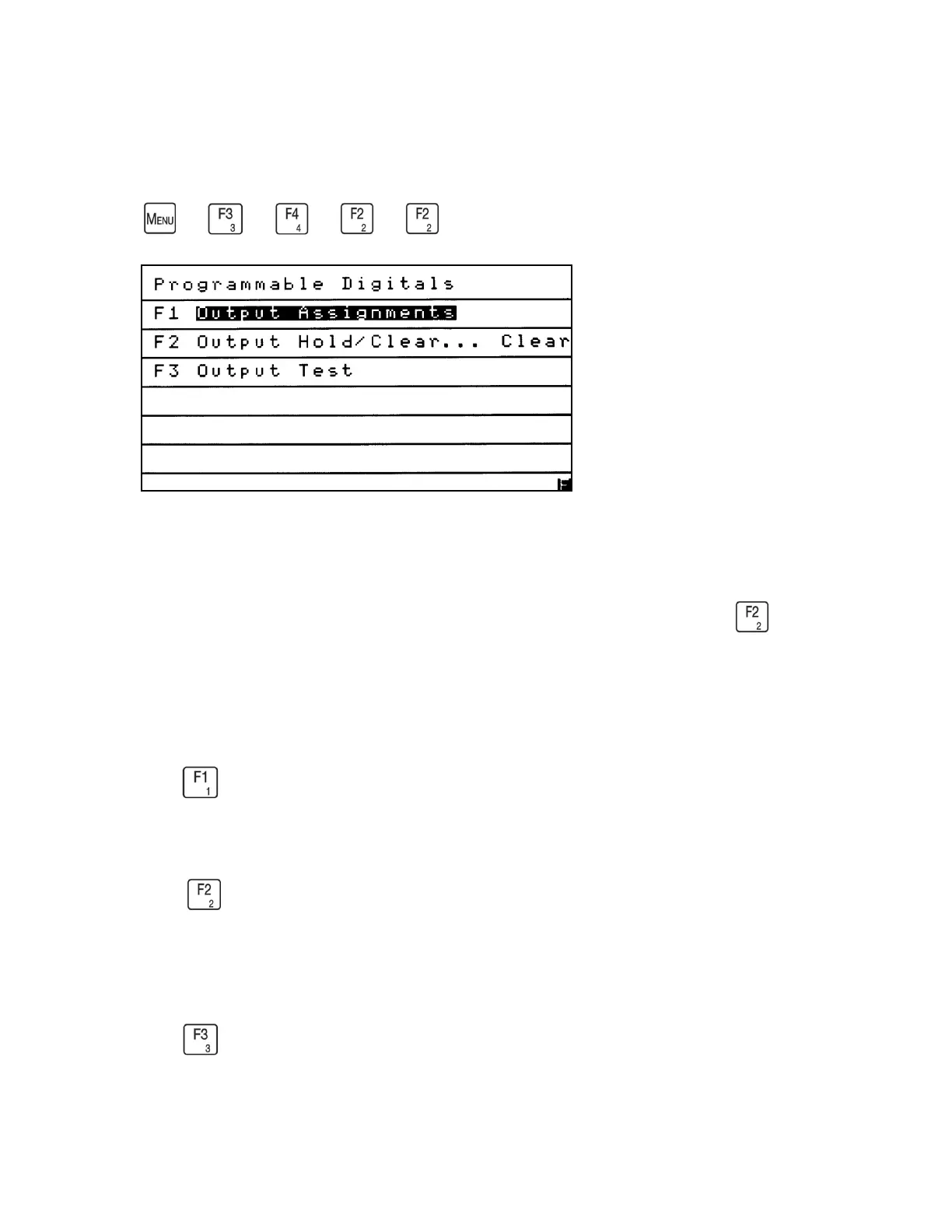
Programmable Digitals
→
→
→
→
The Programmable Digitals menu provides access to the analyzer’s digital outputs
for viewing and changing Output Assignments, holding or clearing alarms, and
testing the outputs. The Programmable Digitals menu is accessed by pressing from
the Output Settings menu.
From the Programmable Digitals menu:
Press to assign any of the 15 programmable digital outputs to a specific alarm or
status.
Press to set the programmable digital alarms to hold or clear after the alarm is gone.
The current Output Hold/Clear status is shown on the right side of the Programmable
Digitals screen after the ellipsis (…). Example: Output Hold/Clear. . . Clear.
Press to access the Output Test screen.



 To Next Page