700M HFID 6-2-15
90
Diagnostics
→ →
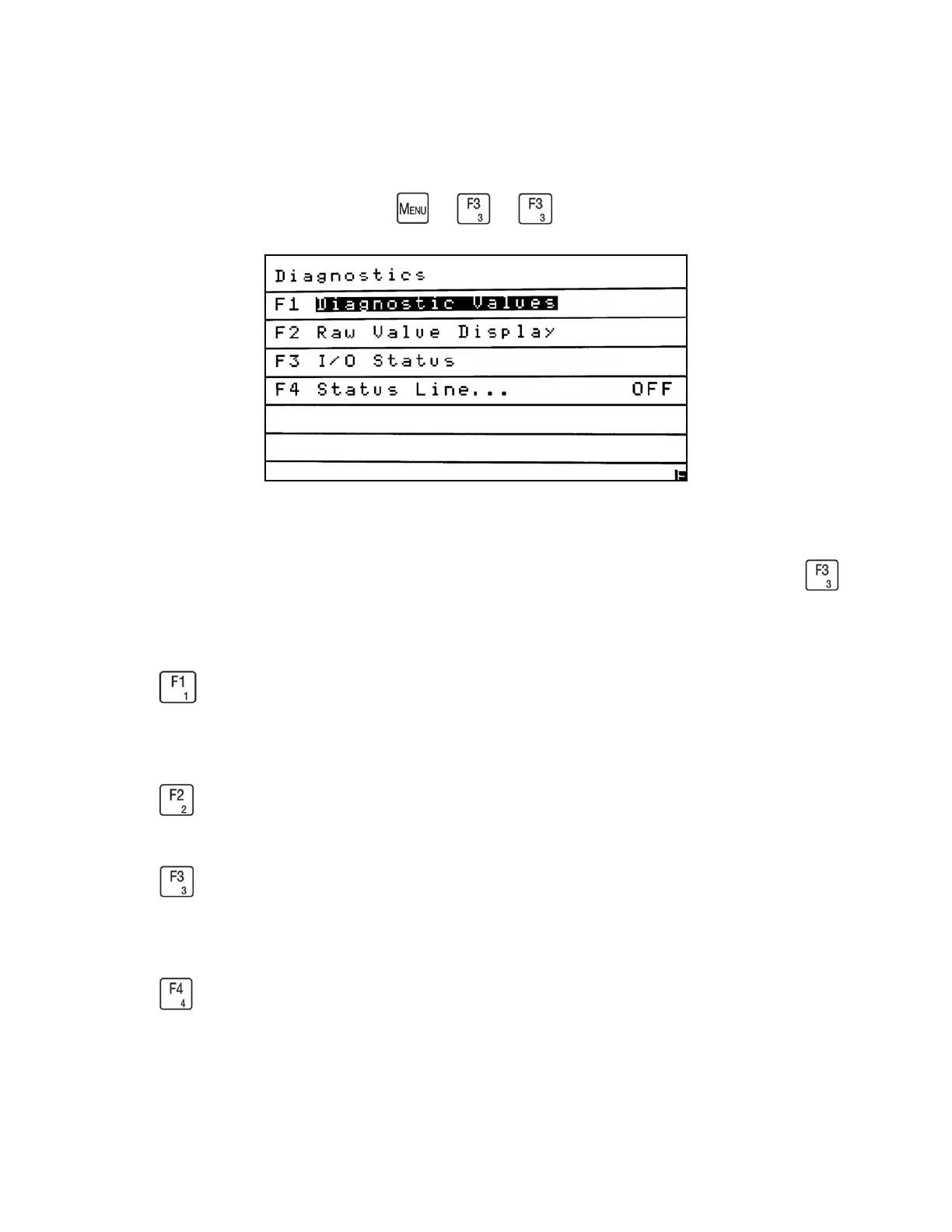
The Diagnostics menu allows the operator to access key troubleshooting screens including
Diagnostic Values, Raw Values and Input/Output statuses. From the Menus screen press
to access the Diagnostics menu.
Press to access the Diagnostics Values screen. It allows you to check analyzer
temperatures, pressures, EPC voltage percentages and flows.
Press to access the Raw Value Display menu.
Press to access the I/O Status menu. You can check the status (Open or Closed) of the
analyzer’s digital outputs and inputs.
Press to turn On or Off the AK Status Line. The current setting is shown on the Diagnostics
menu on the right side of the screen after the ellipsis (…). Example: Status Line. . . Off.



 To Next Page