700M HFID 6-2-15
134
Concentrations
→
→
→
→
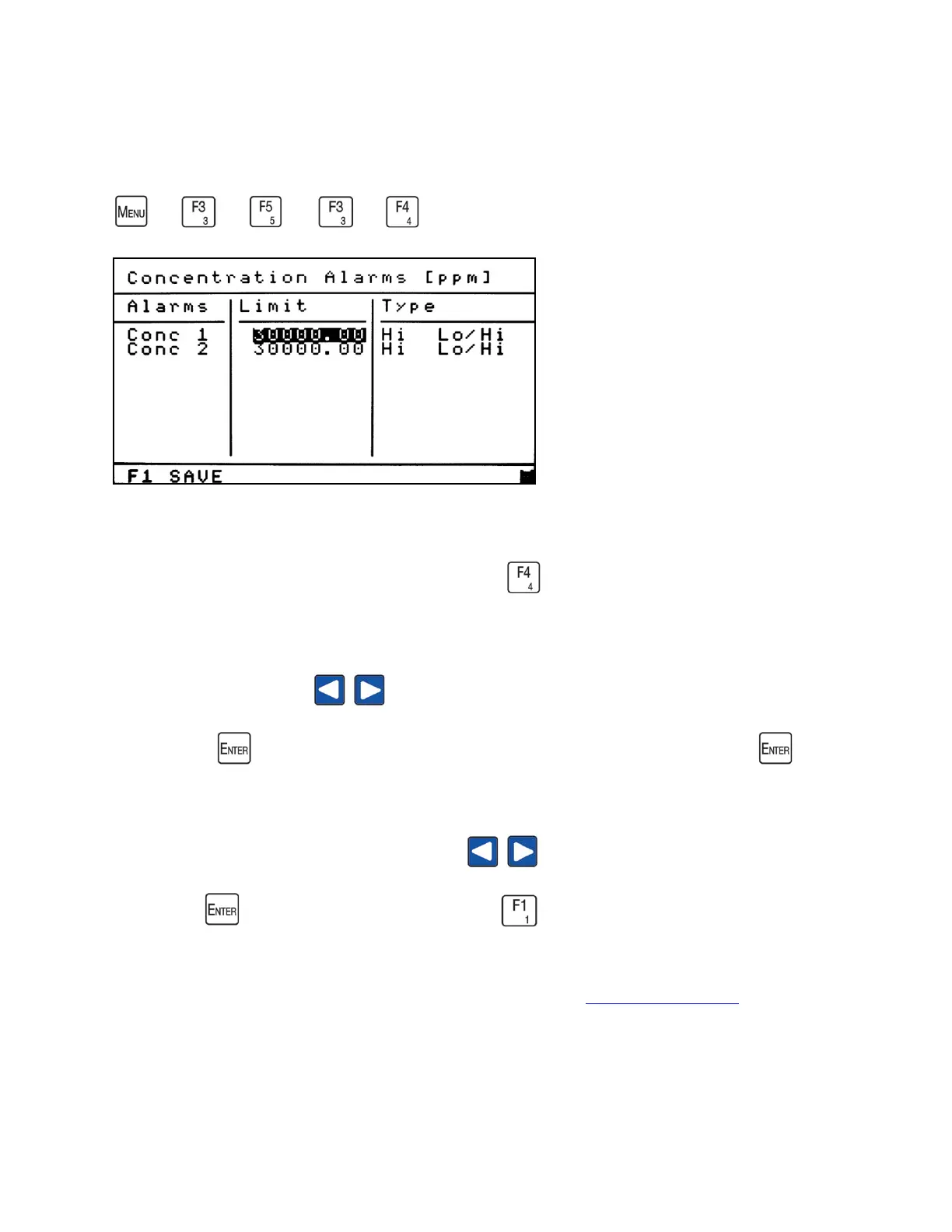
Concentration alarms can be set to trigger an alarm below or above a specified
concentration. From the Alarm Limits menu, press to access the Concentration Alarm
Limits screen.
Use the left or right arrow to highlight the concentration alarm limit you intend to
change. Press to open the field to change the value. After making a change, press again
to close the field. After the concentration limit is set, specify whether the alarm will be set for a
High or Low alarm. Use the left or right arrow to highlight the alarm type (High or
Low). Press to toggle between Hi or Lo. Press to save your changes.
To set the alarm to a digital output, see Programmable Digitals Output Assignments.



 To Next Page