700M HFID 6-2-15
102
Averaging Time
→
→
→
→
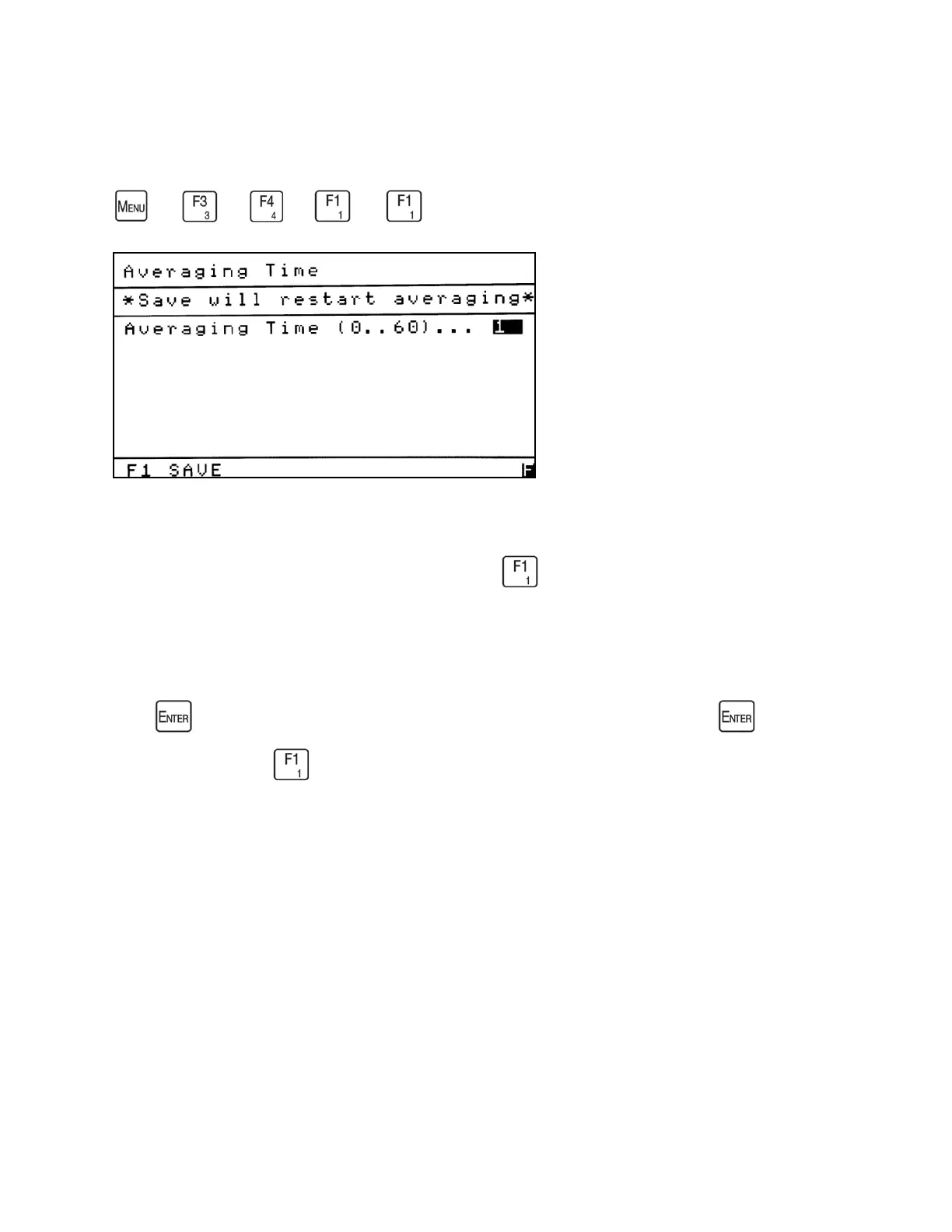
The Averaging Time screen allows the operator to set the averaging time of the measured
concentration. From Measure Settings menu press to access the Averaging Time screen.
The Averaging Time is a sliding average. As shown above, it can be set from 0 – 60 seconds.
Press to open the field to change the time. After making your change, press again to
close the field. Press to save your changes and restart the averaging of the measured
concentration. You will return to the Measure Settings menu.



 To Next Page