700M HFID 6-2-15
141
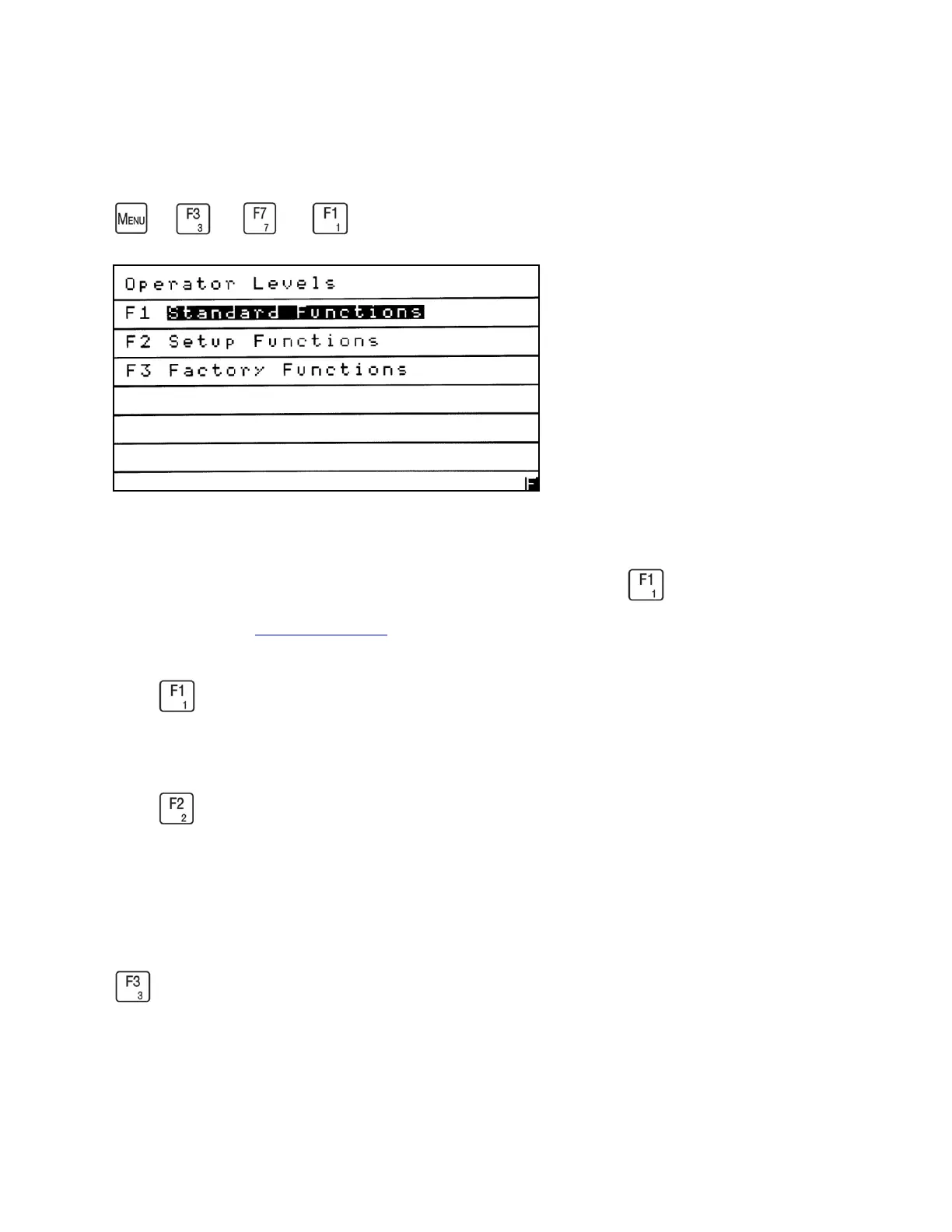
Operator Levels
→
→
→
The 700M HFID has three operator access levels which allow the operator to access
different analyzer functions. From the Security Menu screen press to access the Operator
Levels screen. See Menu Flow Chart for security levels and functions.
Press to set the operator level to Standard Functions for basic operation and calibration. No
password is required.
Press to set the operator level to Setup Functions for advanced operators. This allows the
operator access to all Standard Functions, Setup Functions and Parameters. Setup Functions
requires the operator to enter the password “222.” The analyzer will remain in this level until the
operator changes it.
Factory Functions is for CAI use only.



 To Next Page