700M HFID 6-2-15
99
Status Line
→
→
→
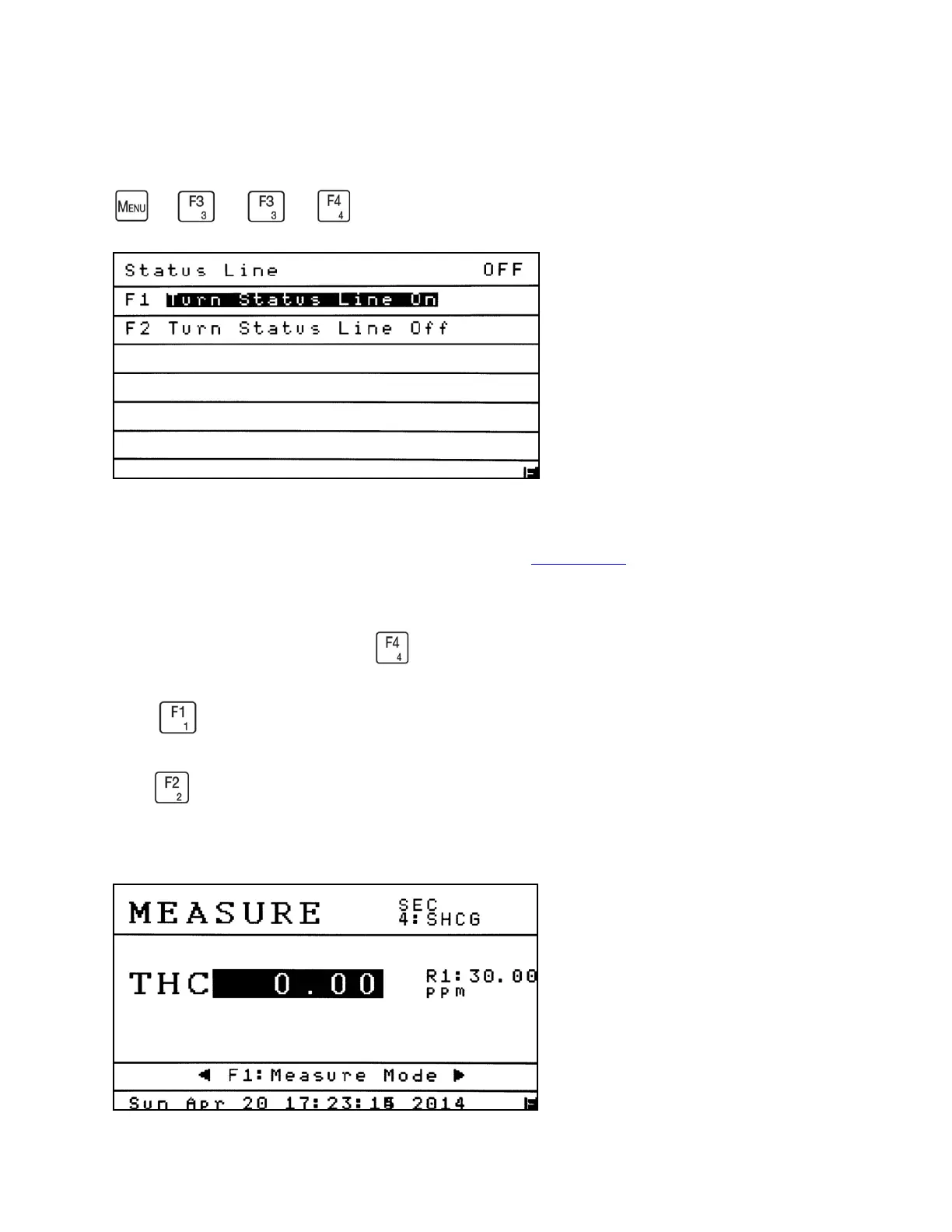
The AK Command Status Line can be displayed at the top of the Measure Screen. This
field contains the current AK Protocol information. See AK Protocol. The current status is shown
in the upper-right corner of the Status Line menu. Example above: OFF.
From the Diagnostics menu, Press to select On or Off.
Press from the Status Line menu to turn the AK Status Line On.
Press from the Status Line menu to turn the AK Status Line Off.
Example of the Status Line turned on: 4: SHCG



 To Next Page