700M HFID 6-2-15
34
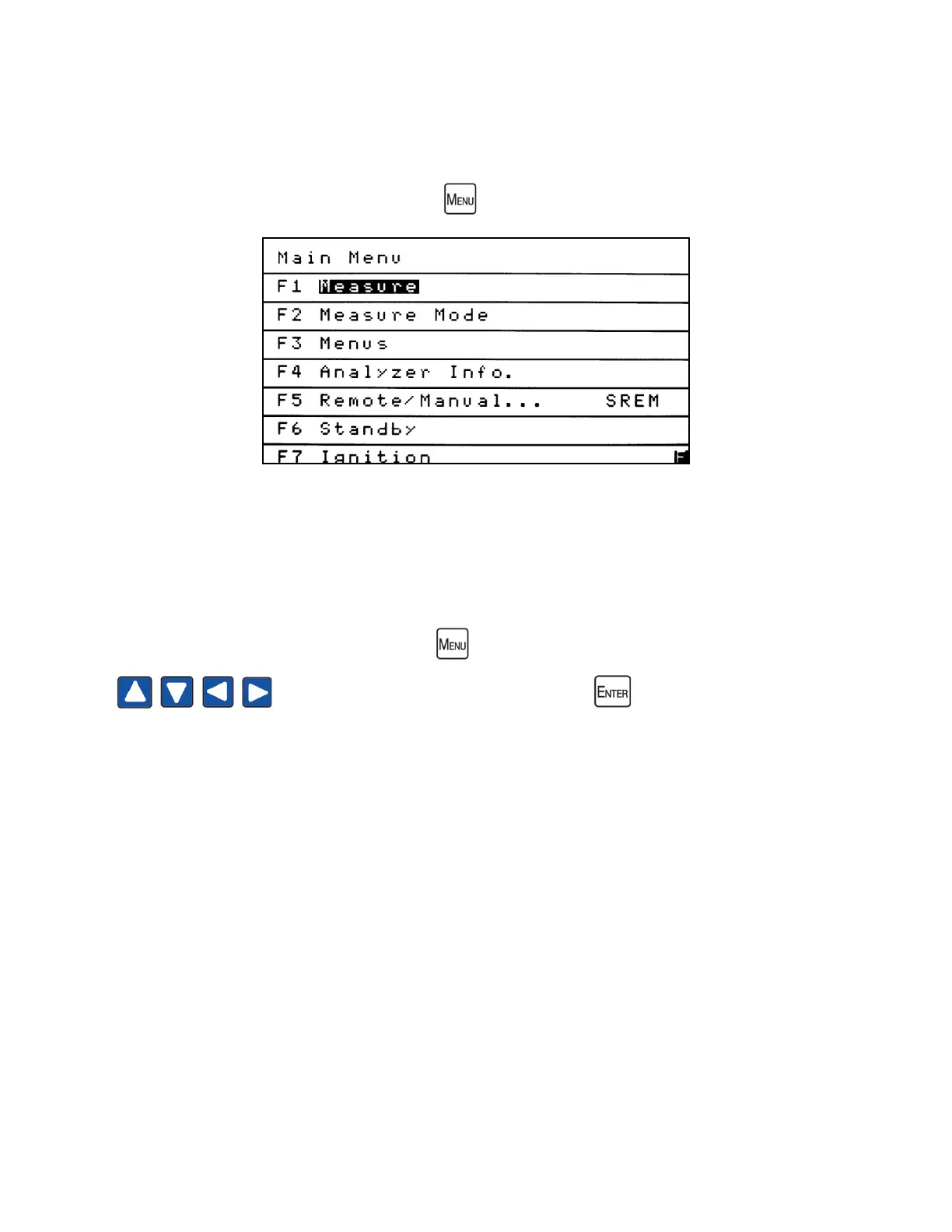
Main Menu
The Main Menu is your gateway to operational, setup and maintenance functions on the
700M HFID analyzer via the corresponding function keys. All software functions of the
700M HFID analyzer can be reached via the menu above from the Main Menu screen.
Operation starts by pressing the Menu key to bring up the Main Menu. Use the Arrow keys
to highlight the desired function and press to open the screen. You
can also access the desired function by pressing the corresponding function key.



 To Next Page