700M HFID 6-2-15
137
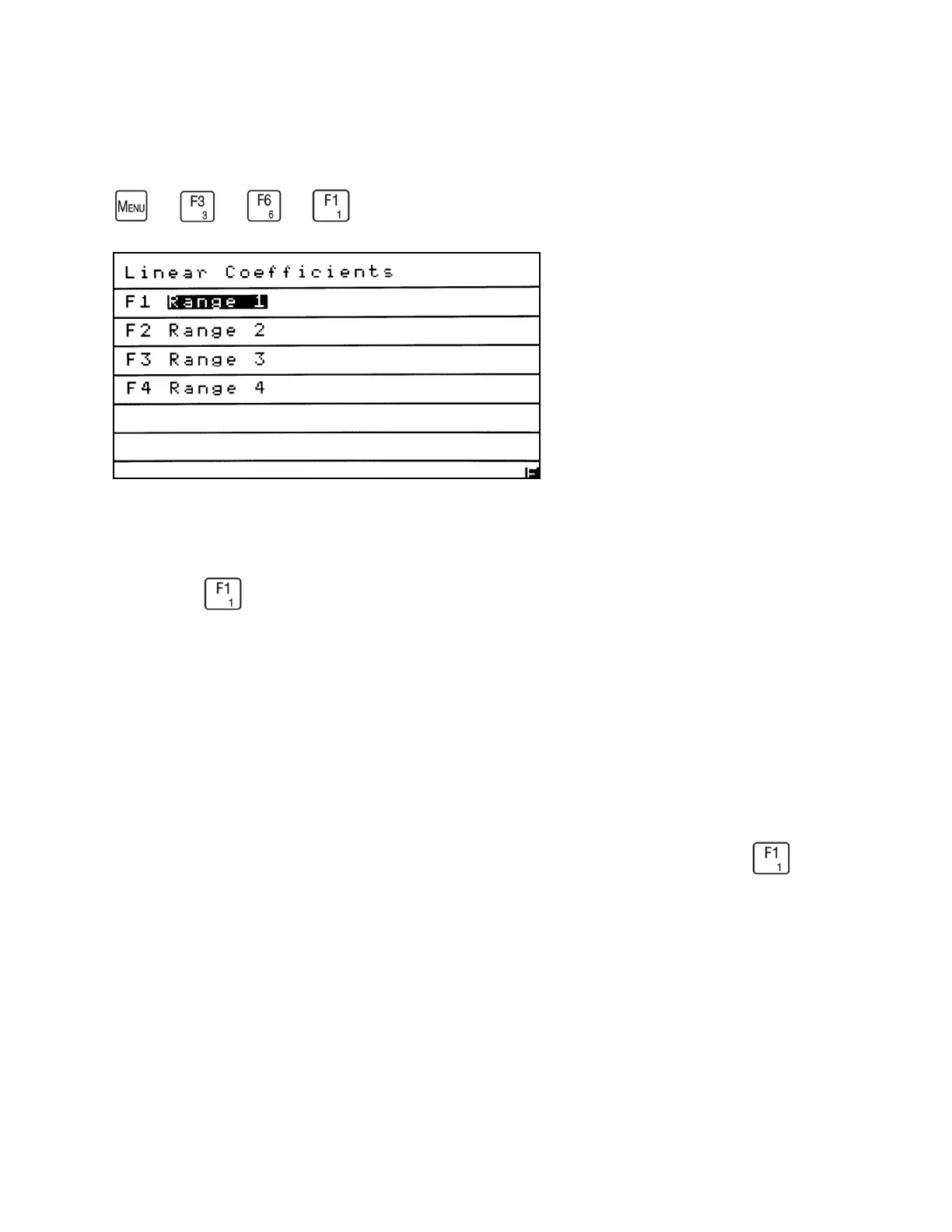
Linear Coefficients
→
→
→
The Linear Coefficients function allows the operator to optimize linearity by inputting up
to five coefficients for each range to generate up to a fourth-order curve. From the Service
menu press to access the Linear Coefficients screen.
NOTES:
• Changing linear coefficients can compromise the analyzer’s accuracy and ability to
function properly.
• To reset Factory Coefficients see Reset Factory Settings.
Select the corresponding function key for the range you wish to edit. In the example, was
pressed to allow the Range 1 Linear Coefficient to be changed.



 To Next Page