700M HFID 6-2-15
115
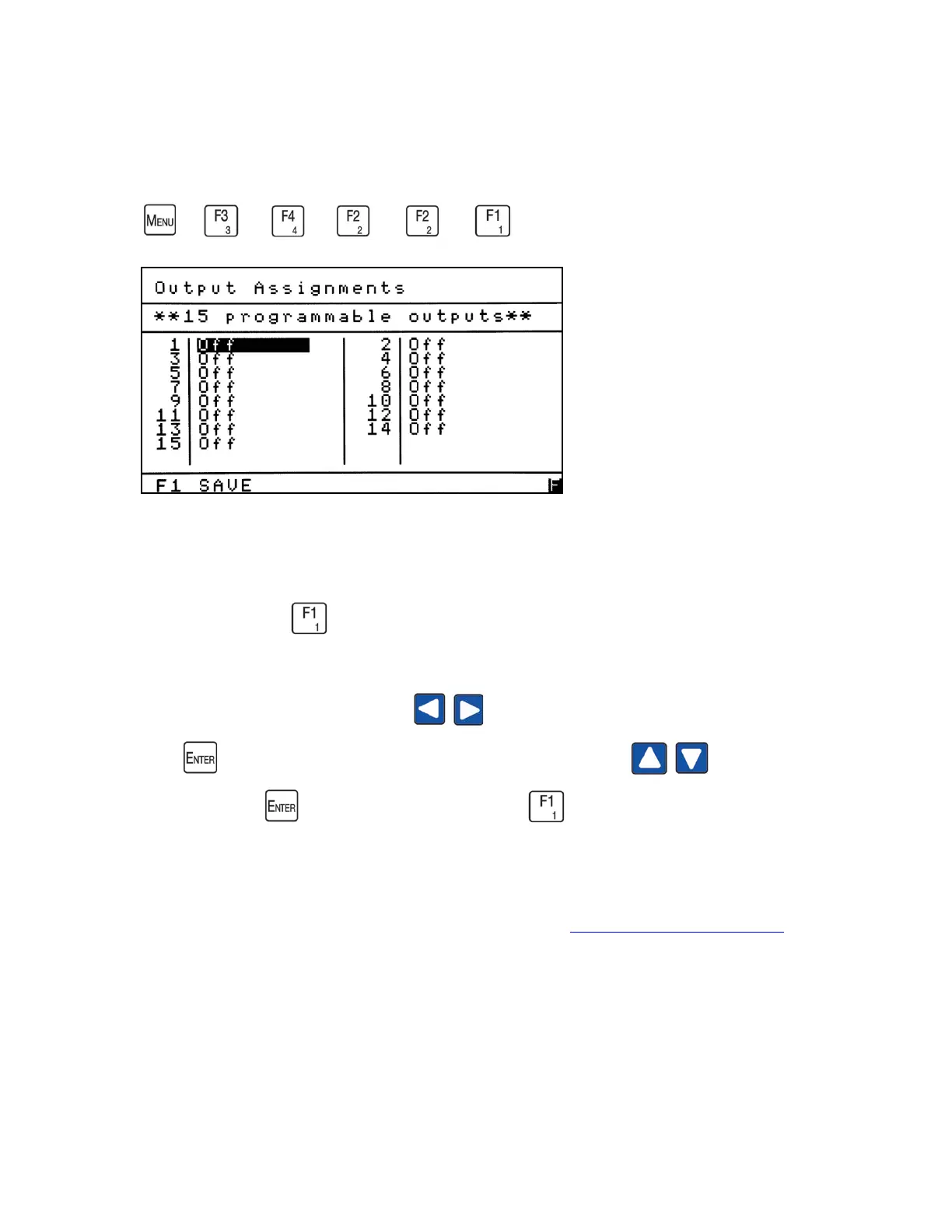
Output Assignments
→
→
→
→
→
The Output Assignments screen allows the operator to assign any of the 15
programmable digital outputs to a specific alarm or status. From the Programmable
Digitals menu press to access the Output Assignments screen.
Use the left and right arrow buttons to highlight the field you intend to change.
Press to open the field and use the up or down arrow button to change
the signal. Press again to close the field. Press to save your changes.
NOTES:
1. For information on digital output connections see Analog and Digital Interface.
2. Alarms go open when present and statuses go closed when alarms are active.
3. See the following tables for a list of Alarms and Statuses:



 To Next Page