700M HFID 6-2-15
143
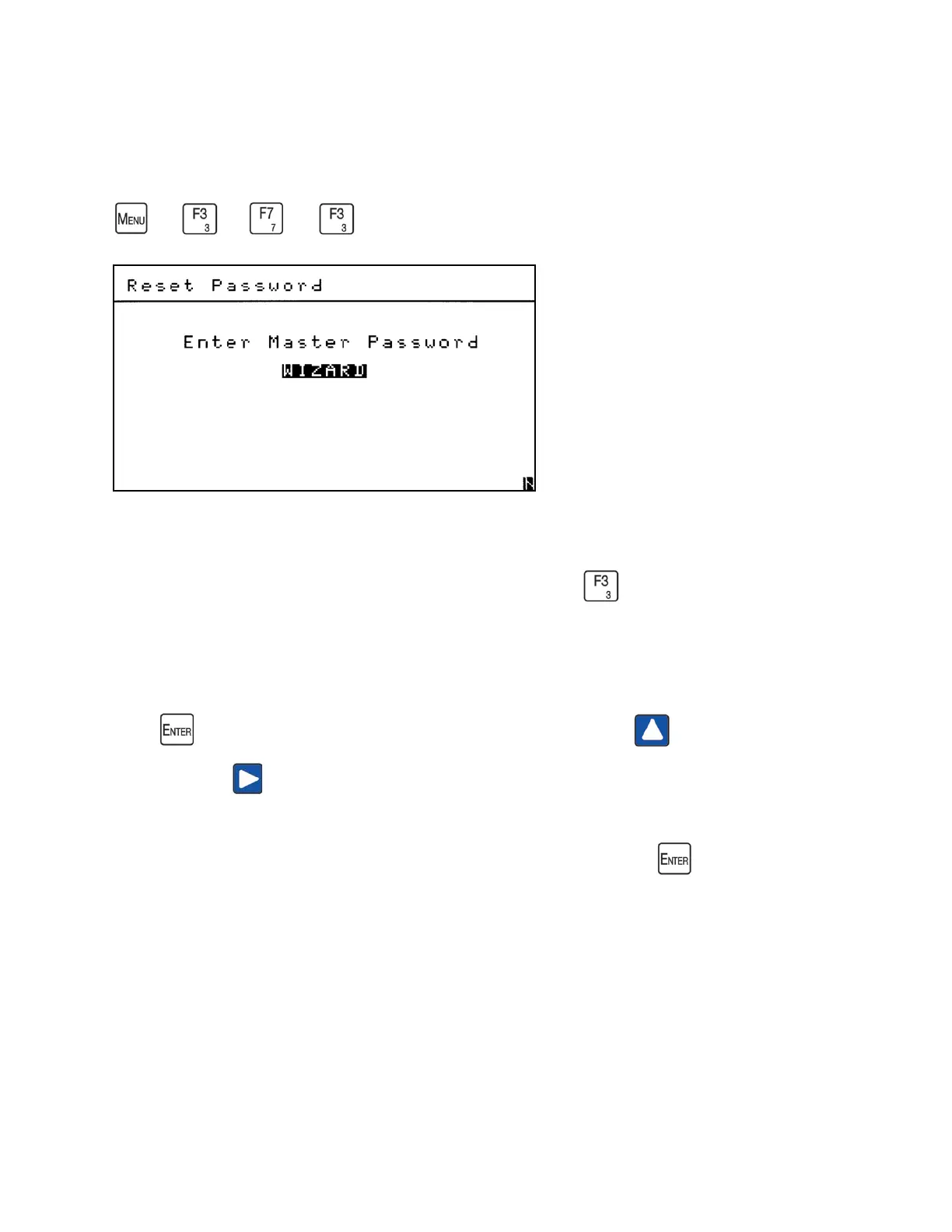
Reset Password
→
→
→
The Reset Password screen allows the operator to reset the Setup Password to the original
factory password (222). From the Security menu screen press to access the Reset
Password screen.
To return the password to the original factory password, you must enter WIZARD in the field.
Press to open the field and bring up a cursor. Use the Up arrow to scroll to W. Use
the Right arrow to move to the next letter and scroll to I and so on.
Repeat this procedure until you have finished entering WIZARD. Press and the password
for the Setup functions will be reset to 222.



 To Next Page