700M HFID 6-2-15
142
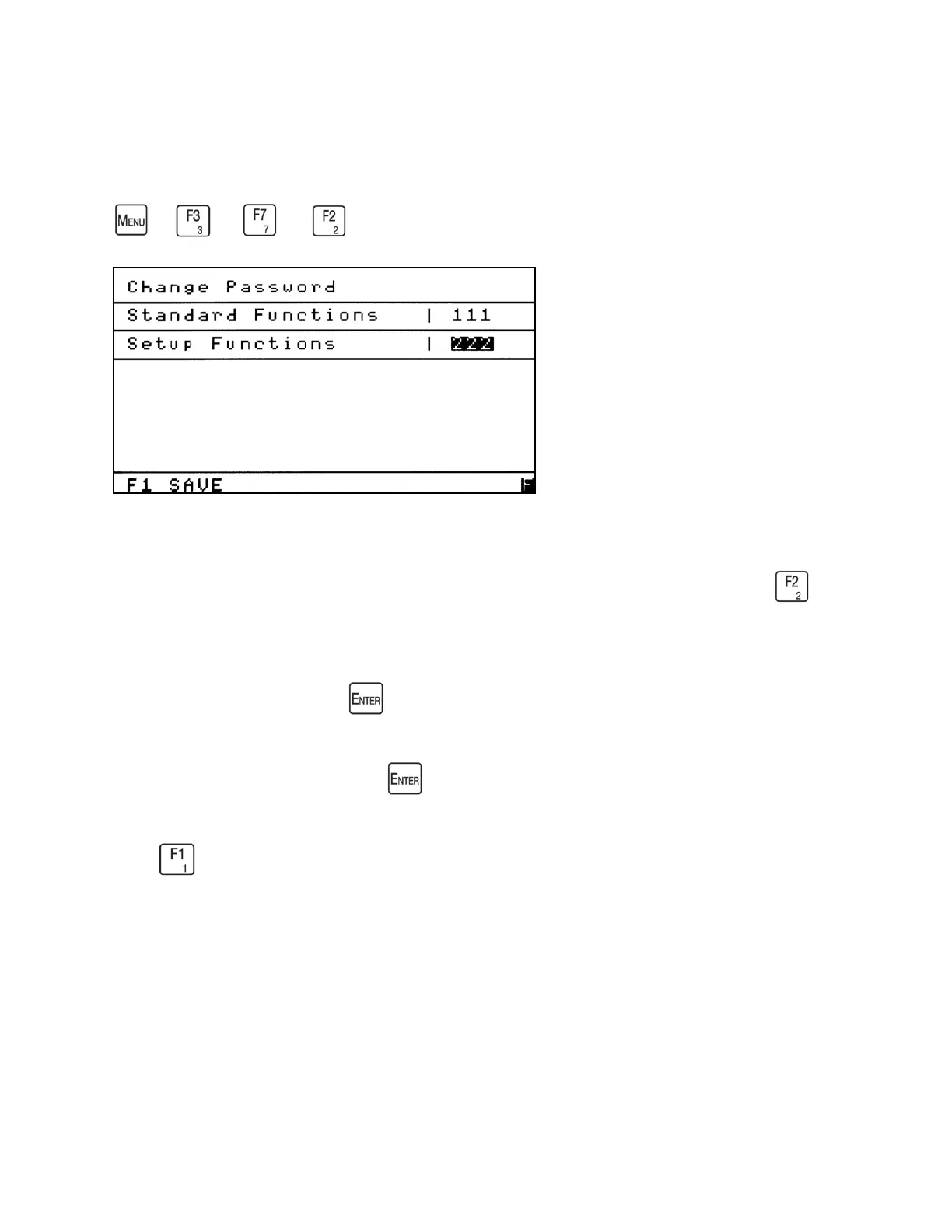
Change Password
→
→
→
The Change Password screen allows the operator to change the Setup Functions password
from the factory-preset 222 to a new password. From the Security menu screen press to
access the Operator Levels screen.
To change the password, press to open the field.
Enter a new 3-digit password. Press again to close the field.
Press to save the new password.



 To Next Page