700M HFID 6-2-15
88
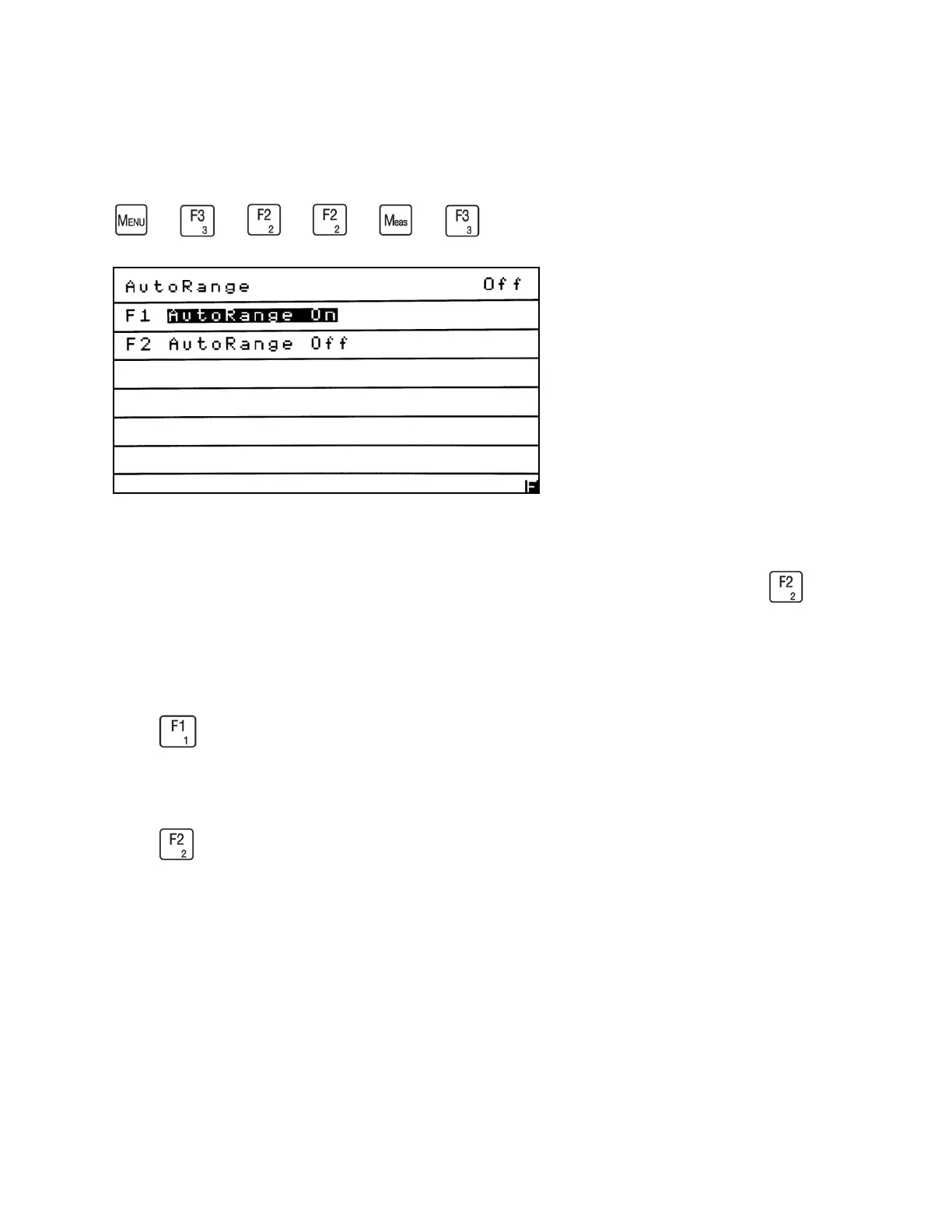
AutoRange On/Off
→
→
→
or
→
The Auto Range Function allows the analyzer to automatically switch up and down
between ranges at predetermined concentrations. From the Range Setup menu press to
access the Auto Range On/Off screen. The current Auto Range status appears in the upper-right
corner of the screen.
Press to turn Auto Range On. This function allows the analyzer to automatically change
ranges without the presence of an operator.
Press to turn Auto Range Off. When Auto Range is Off, the operator will need to manually
change the ranges. The Range Setup menu shows the current status on the right side of the screen
after the ellipsis (…). Example: AutoRange On/Off. . . Off.



 To Next Page