700M HFID 6-2-15
84
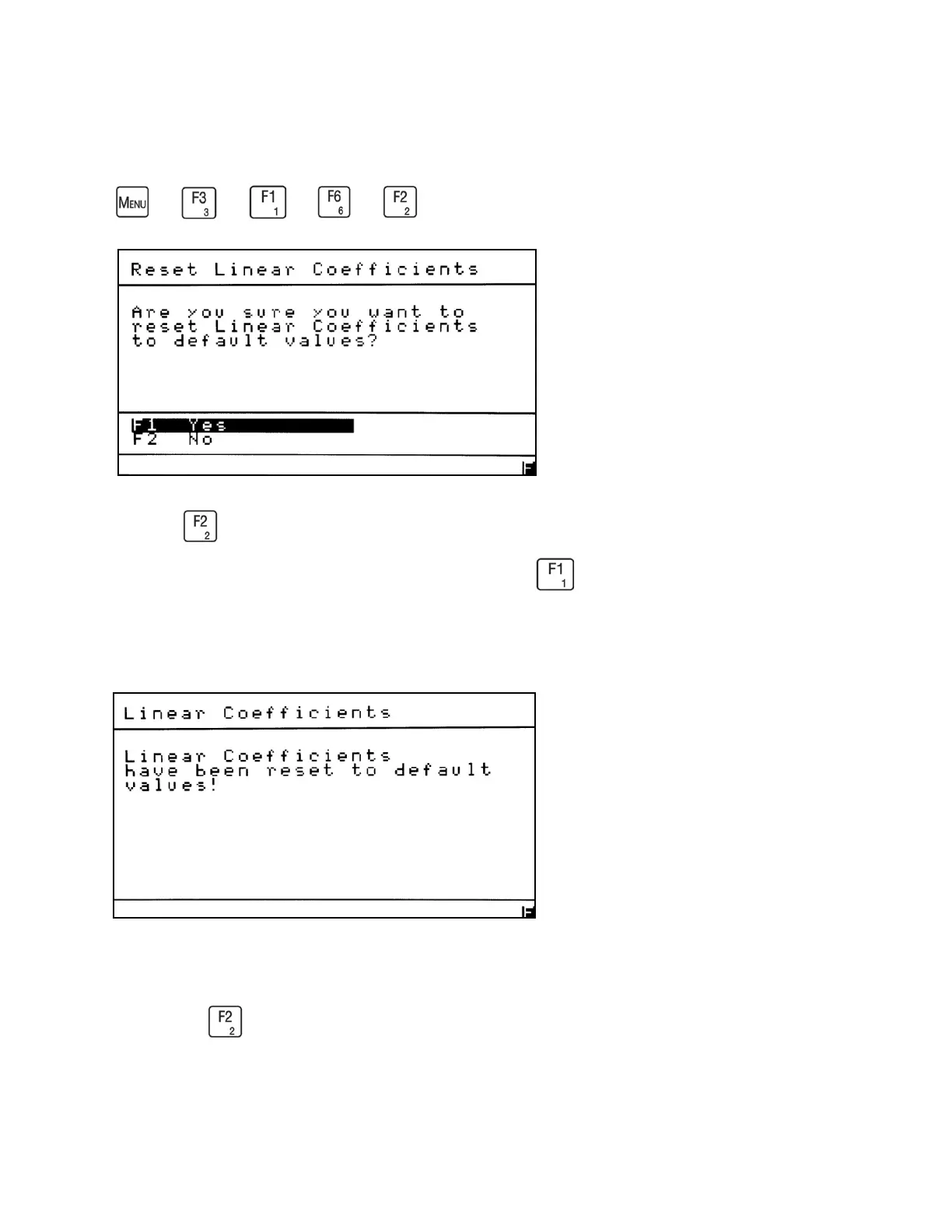
Reset Linear Coefficients
→
→
→
→
Pressing from the Reset Factory Settings menu will prompt the operator to confirm
resetting the Linear Coefficients for all ranges. Pressing (Yes) from this screen resets all
the Linear Coefficients, Offset and Gain Factors and CH
4
Correction Factors to factory
default settings and brings you to this confirmation screen:
NOTE: After resetting Linear Coefficients, the analyzer must be zeroed and spanned before
further use.
If you press (No) from the Reset Linear Coefficients screen, the analyzer will return to the
Reset Factory Settings menu without resetting the Linear Coefficients, Offsets and Gains Factors
or CH
4
Correction Factors.



 To Next Page