Sending Documents
4-30
Storing Favorites Buttons (LASER CLASS 830i Only)
You can register a destination together with any possible combination of send settings in a
favorites button. One-touch keys 01 to 04 can be registered as favorites buttons.
Registering a Fax Number
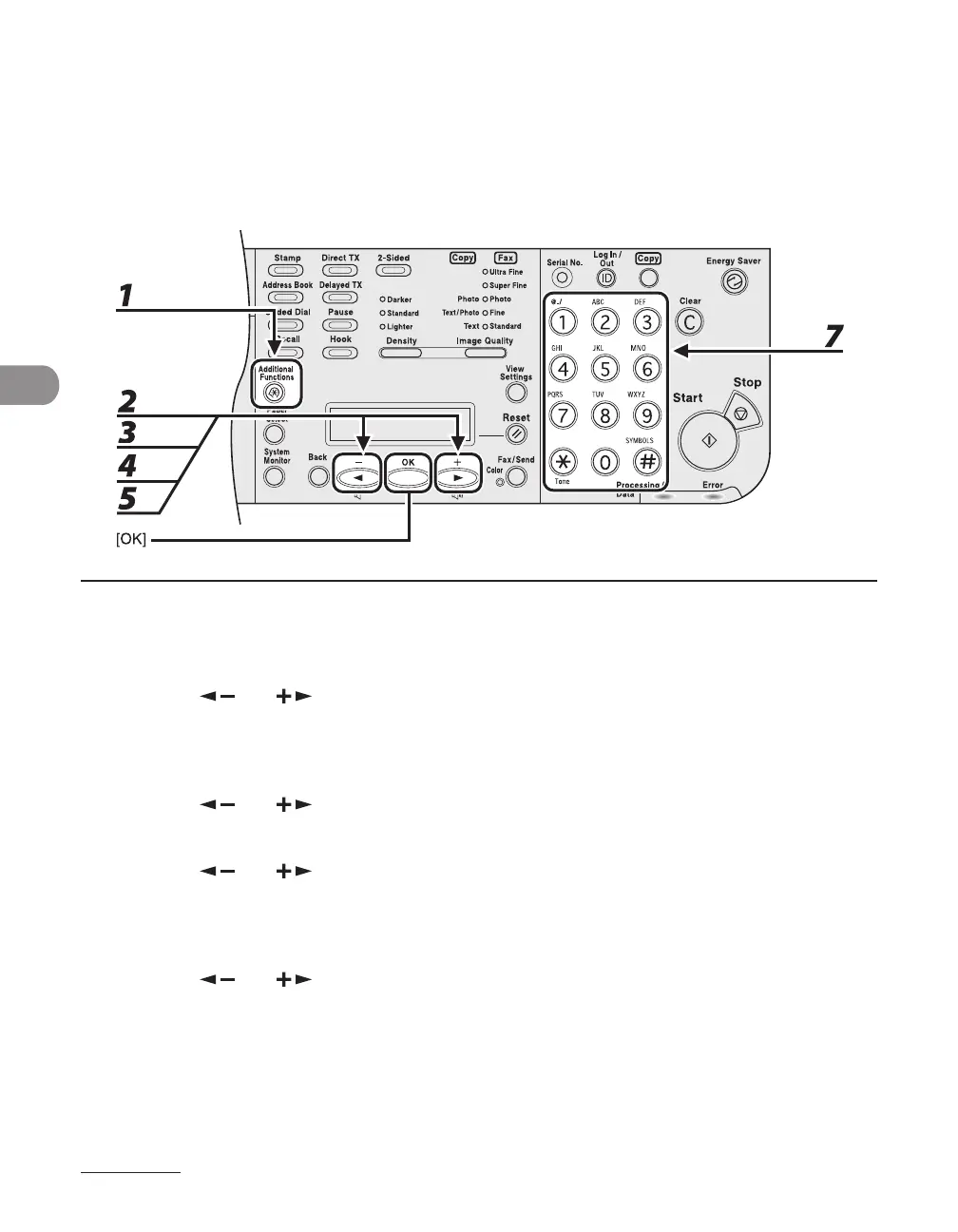
1 Press [Additional Functions].
2 Press [ ] or [ ] to select <ADDRESS BOOK SET.>, then press [OK].
If a password has been set for the Address Book, use the numeric keys to enter the password, then press
[OK].
3 Press [ ] or [ ] to select <FAVORITES BUTTONS>, then press [OK].
4 Press [ ] or [ ] to select a one-touch key (01 to 04), then press [OK].
If a one-touch destination is already registered in the desired one-touch key, select another key, or
delete the destination first.
5 Press [ ] or [ ] to select <FAX>, then press [OK].
6 Confirm that <NAME> is displayed, then press [OK].
7 Use the numeric keys to enter the destination’s name (up to 16 characters), then
press [OK].
●














 To Next Page