12-55
Machine Settings
RX REPORT
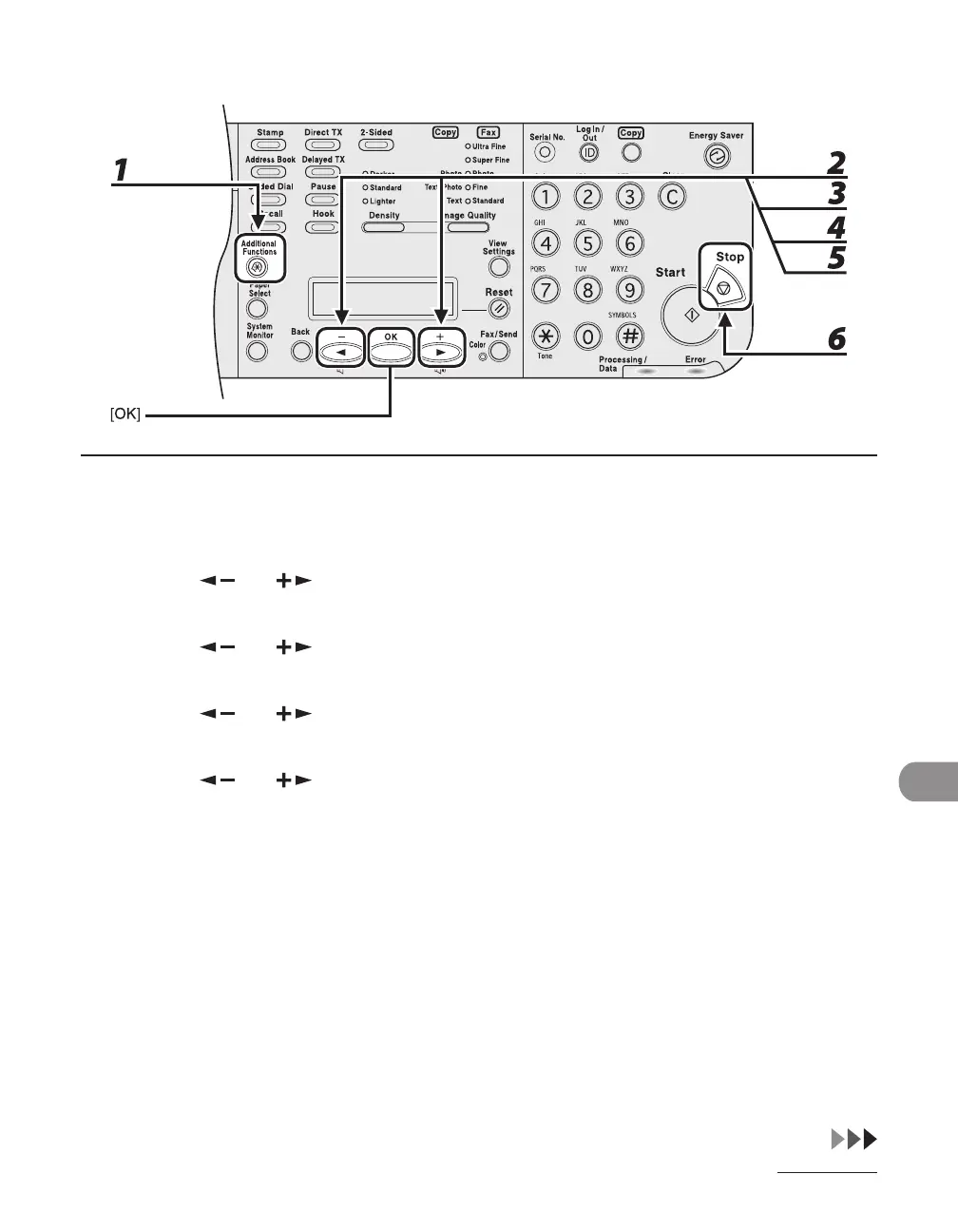
1 Press [Additional Functions].
2 Press [ ] or [ ] to select <REPORT SETTINGS>, then press [OK].
3 Press [ ] or [ ] to select <SETTINGS>, then press [OK].
4 Press [ ] or [ ] to select <RX REPORT>, then press [OK].
5 Press [ ] or [ ] to select the setting you want, then press [OK].
<OUTPUT NO>: Does not print a report.
<PRINT ERROR ONLY>: Prints a report only when a reception error occurs.
<OUTPUT YES>: Prints a report every time you receive a document.
6 Press [Stop] to return to the standby mode.














 To Next Page