Maintenance
10-14
Replacing the Toner Cartridge
with a New One
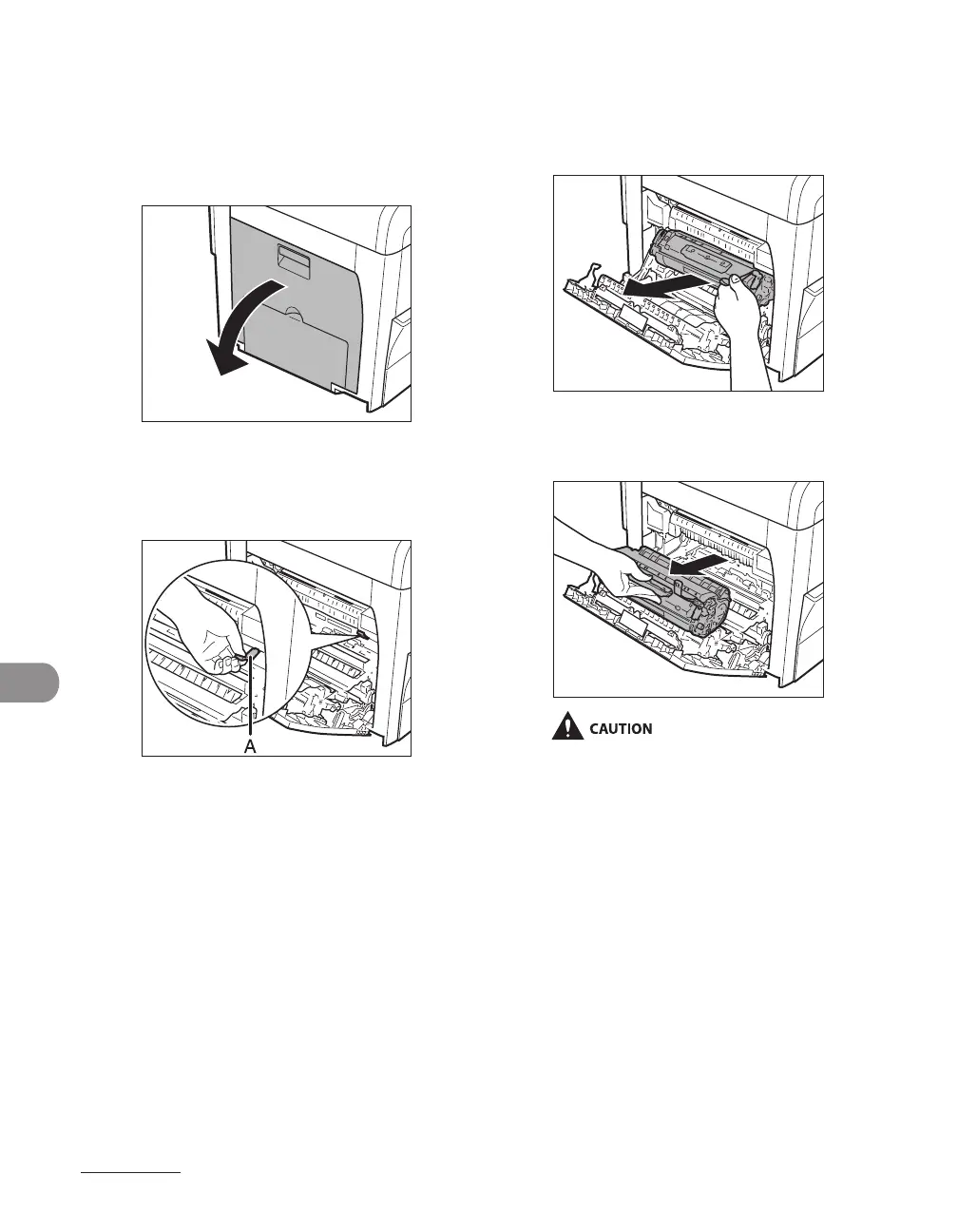
1 Open the left cover.
2 Grasp the blue plastic pull tab (A)
on the toner cartridge.
3 Pull the blue plastic pull tab until
you can easily hold the handle of
the toner cartridge.
4 Remove the toner cartridge.
Always hold the toner cartridge by its
handle.
Do not open the drum protective shutter
on the toner cartridge. Print quality may
deteriorate if the drum surface is exposed
to light or is damaged.
–
–














 To Next Page