Maintenance
10-10
Transcription Roller
If the back of the paper is smudged after printing, the transcription roller may be dirty.
Clean the transcription roller in the following procedure.
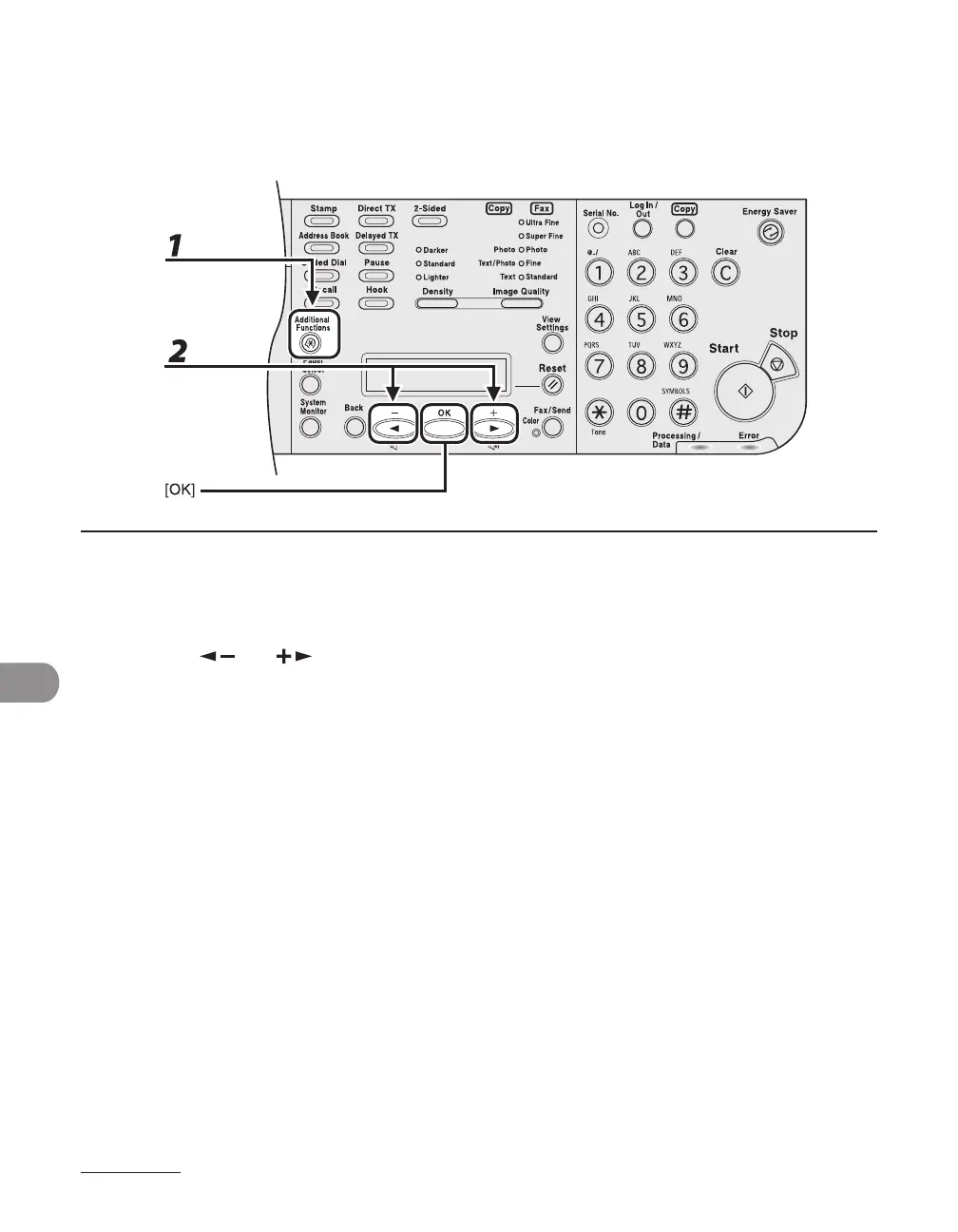
1 Press [Additional Functions].
2 Press [ ] or [ ] to select <ADJUST./CLEANING>, then press [OK].
3 Confirm that <TRANS. ROLR CLEAN> is displayed, then press [OK].
Cleaning starts. When finished, the display returns to standby mode.














 To Next Page