Copying
3-20
Checking and Deleting Jobs
System monitor enables you to monitor the status of the copy jobs currently being
processed.
Checking and Deleting Copy Jobs
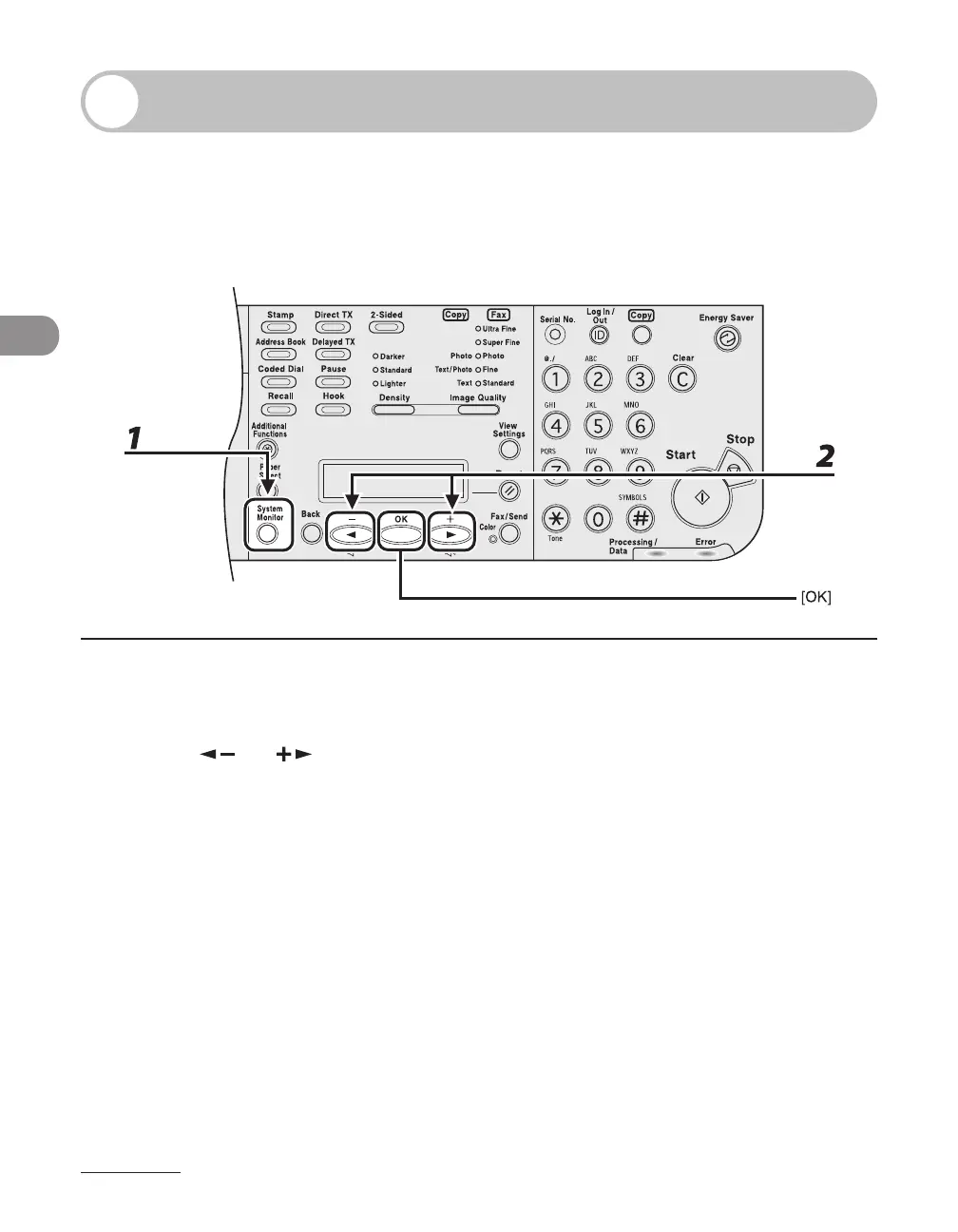
1 Press [System Monitor] repeatedly to select <COPY STATUS>, then press [OK].
2 Press [ ] or [ ] to scroll through the job list, and check the status of the
copy jobs.
If you want to delete the job, go to step 3. Otherwise, press [Stop] to return to the standby mode.














 To Next Page