Sending Documents
4-46
Using Coded Dial Codes
You can specify up to 120 (LASER CLASS 810)/420 (LASER CLASS 830i) destinations using
coded dial codes.
To use this feature, you must register destinations in coded dial code beforehand. (See “Storing/Editing Address
Book,” on p. 4-12.)
1 Set documents.
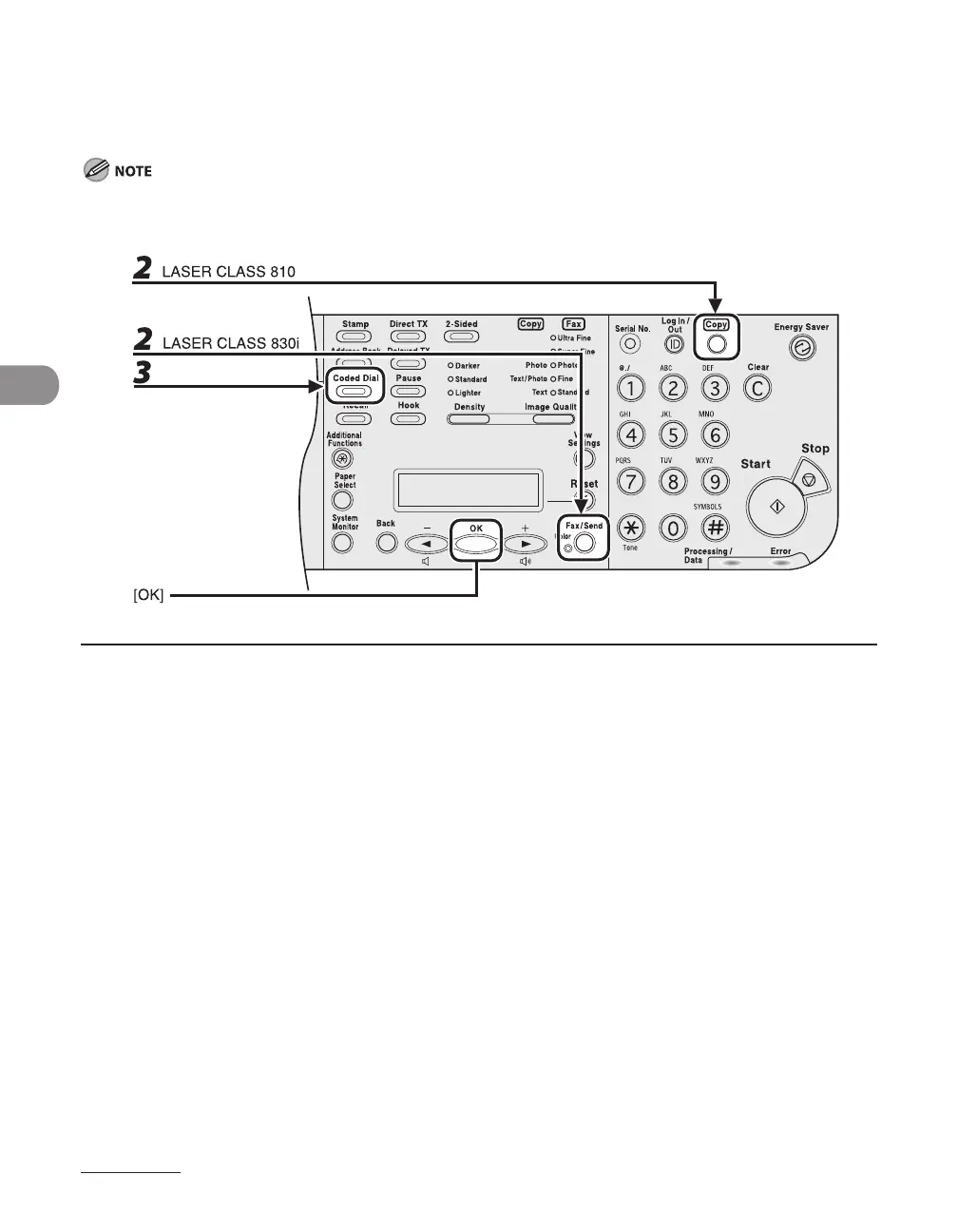
2 Press [Fax/Send] repeatedly to select the sending method, then press [OK].
If using the LASER CLASS 810, you can switch to the Fax mode by pressing [Copy/Fax].
To send documents to a file server, select any sending method (LASER CLASS 830i Only).
3 Press [Coded Dial].














 To Next Page