4-59
Sending Documents
Sending Two-Sided Documents
You can set the machine to automatically turn over two-sided documents in the ADF,
and scan each side separately.
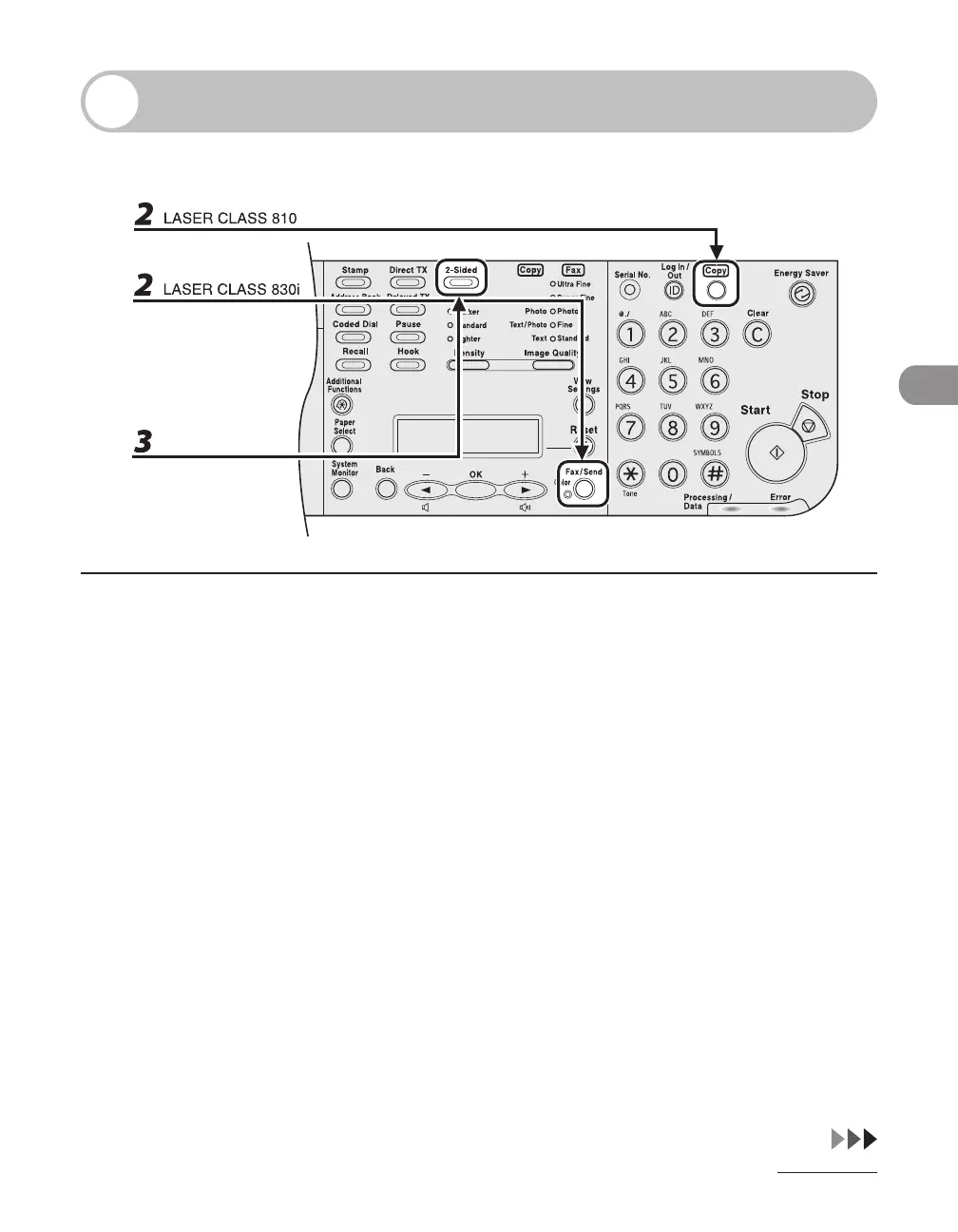
1 Set documents in the ADF.
2 Press [Fax/Send] repeatedly to select <FAX>, then press [OK].
If using the LASER CLASS 810, you can switch to the Fax mode by pressing [Copy/Fax].
3 Press [2-Sided].














 To Next Page