5-7
Receiving Documents
Manual Reception
When you select <Manual> in <RX MODE>, follow the procedure below to receive a
fax.
1 When the telephone rings, pick up the optional handset or the external
telephone.
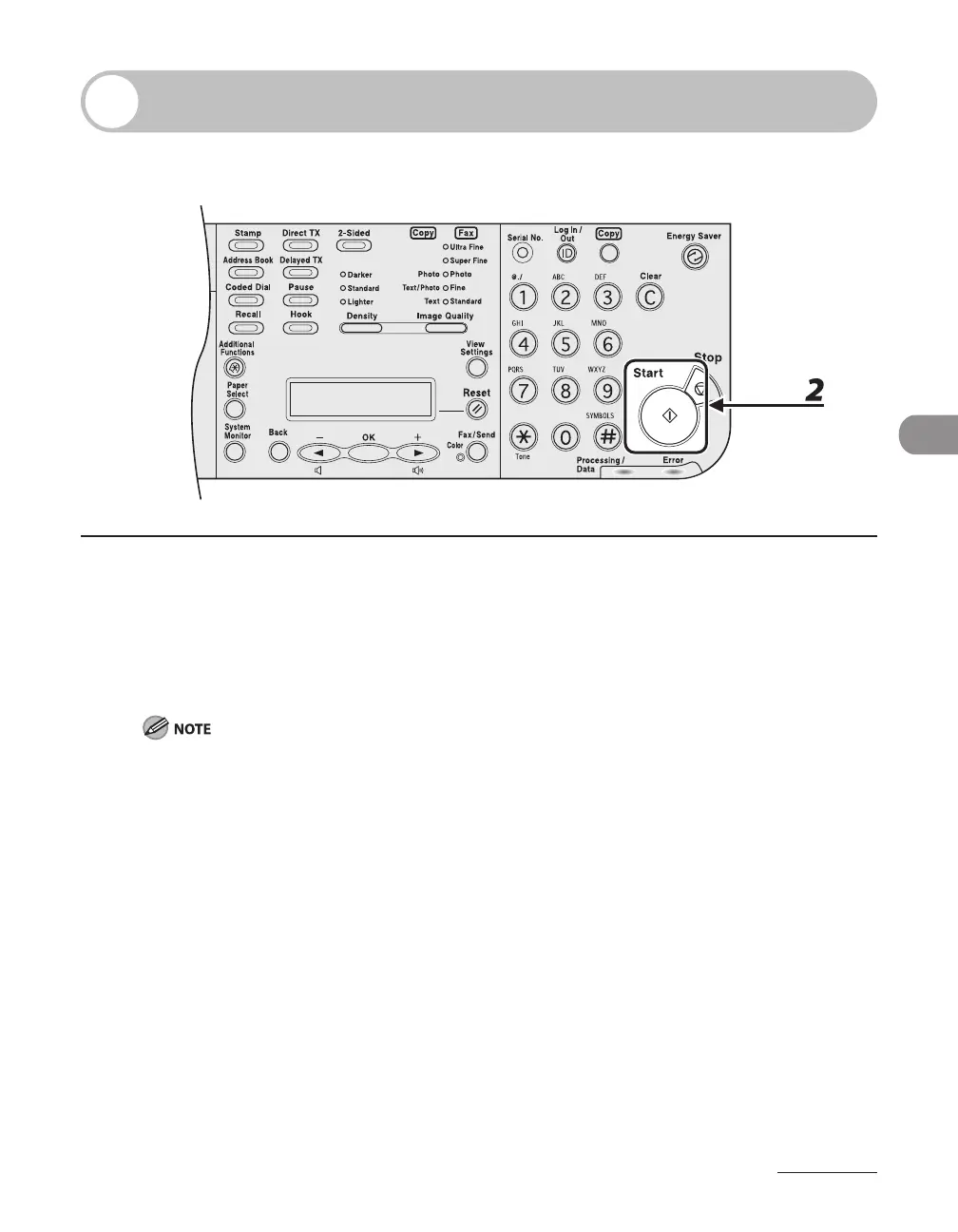
2 Confirm that the modem’s connecting sound is heard, then press [Start].
If you picked up the receiver of an external telephone in step 1, enter the two digit remote reception ID
using the numeric keys of the external telephone. (See "Receiving a Fax Remotely." on p. 5-24)
3 Hang up the optional handset or the external telephone.














 To Next Page