1-9
Before Using the Machine
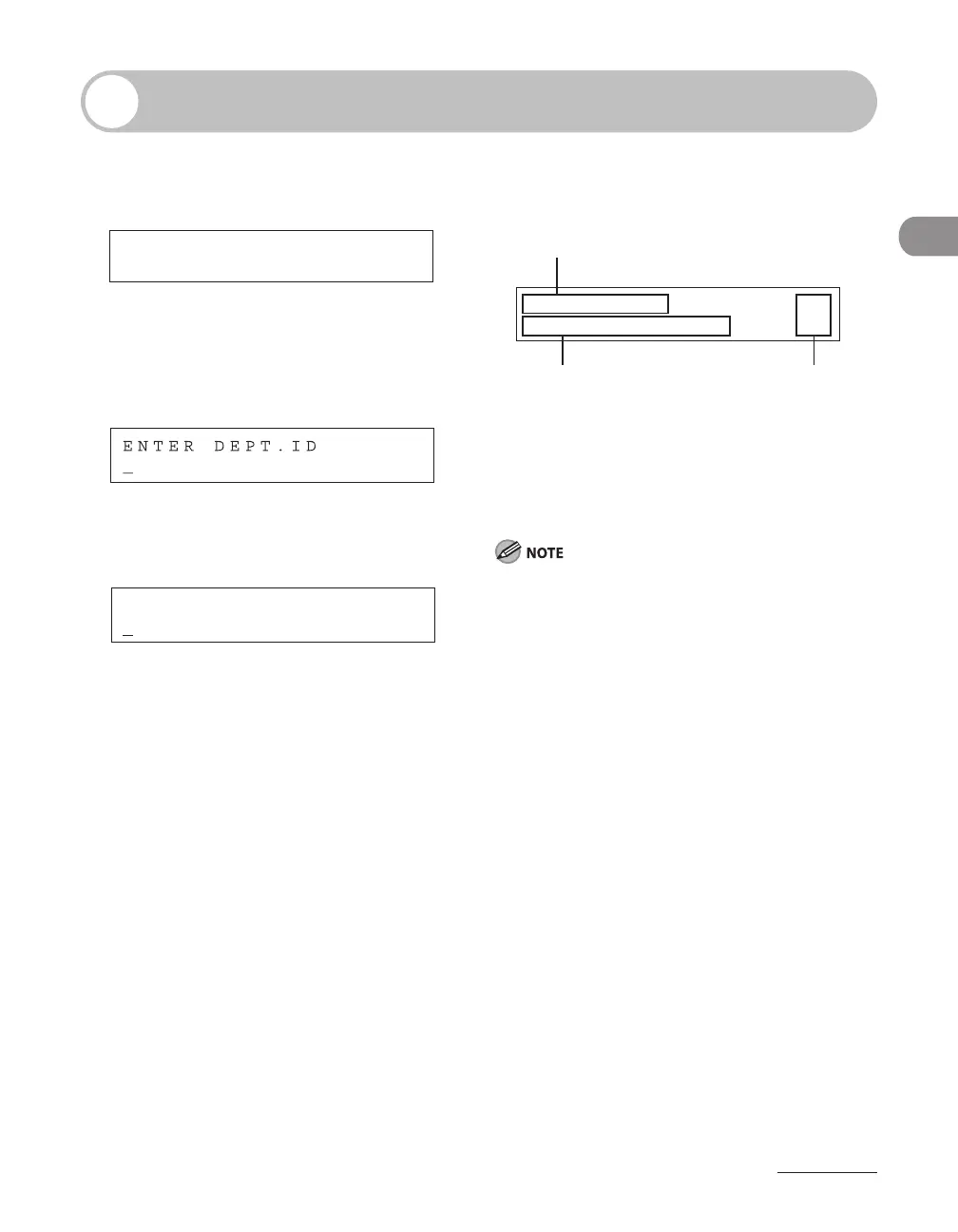
LCD (Standby Mode)
Fax/Send Mode
Log In Mode
For Department ID Management
For User ID Management
E N T E R U S E R I D : a
Ex.
●
●
Copy Mode
B C
A
O 1
C O P Y 1 0 0 %
C A S S E T T E 1 : L T R
A
Zoom ratio
B
Paper size
C
Quantity
When the main power switch is turned on, the LCD
displays <PLEASE WAIT> first, and then displays
<INITIALIZING...> until the standby display appears.
It is also possible to see the standby display without
having <INITIALIZING...> shown.
Depending on the number of destinations
registered, after the main power switch is turned
ON, you may not be able to perform operations
using the operation panel when the standby
display appears. If this happens, wait until the
machine responses to the key operations.
If the Auto Clear function is activated, the display
returns to the standby mode.
Log in mode is displayed only when Department/
User ID Management is set to <ON> in <SYSTEM
SETTINGS>. To log in or out, see “
Department/User
ID Management,” on p. 1-11.
–
–
–
–














 To Next Page