4-3
Sending Documents
Basic Sending Method
Follow this procedure to send faxes, e-mails and I-faxes, or to send documents to a file
server (For the LASER CLASS 810, only the Fax mode is available.).
For network connection, see “Set the Machine for Network Usage,” in the Starter
Guide.
For advanced sending features, see Reference Guide > Send/Receive.
Set a Document
Select the Sending
Method
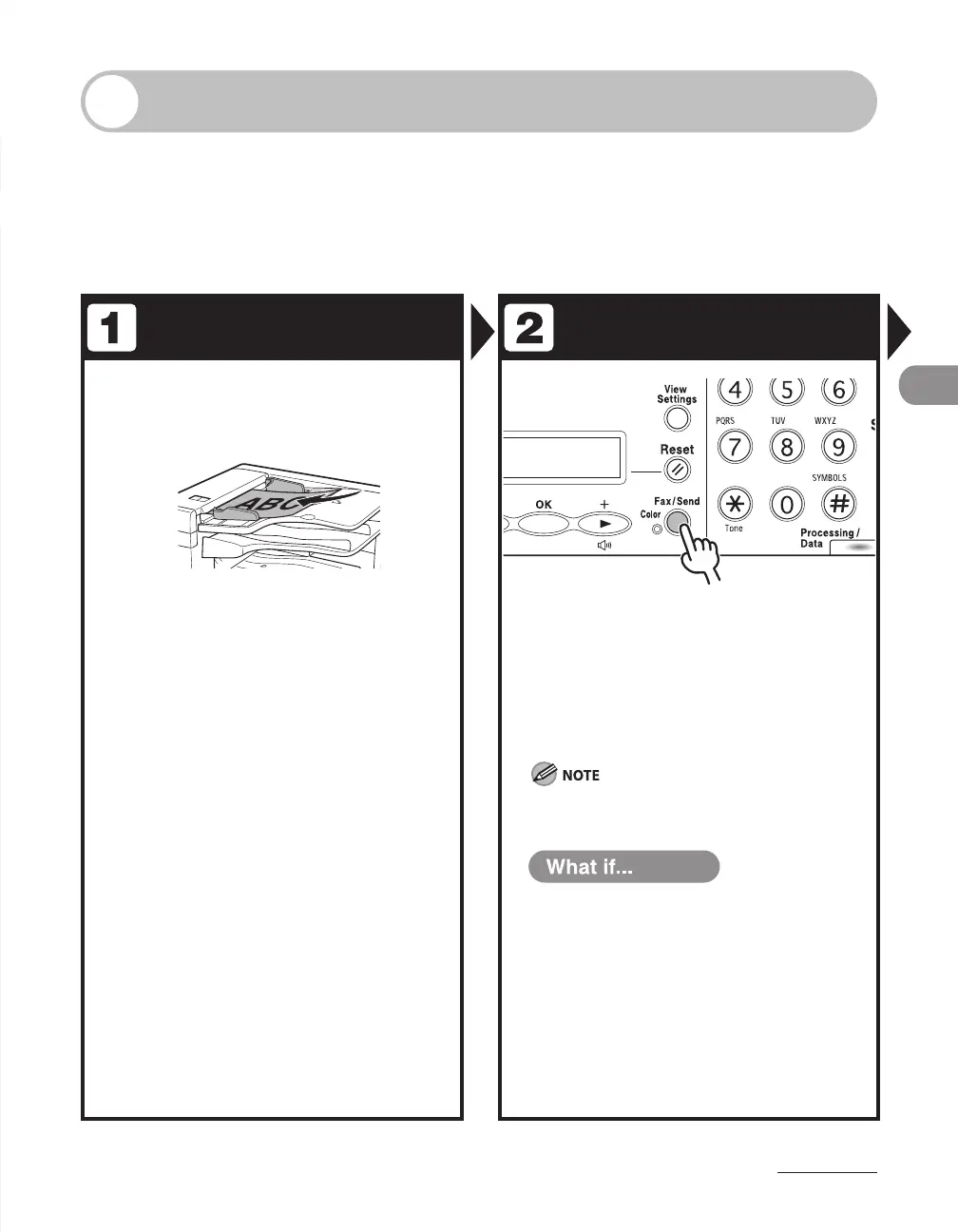
Load the document in the ADF.
For documents you can send, see “Document
Requirements,” on p.
2-2.
Press [Fax/Send] repeatedly to select
the sending method, then press [OK].
If using the LASER CLASS 810, you can switch to the Fax
mode by pressing [Copy/Fax].
When sending color images, always specify the
sending method before specifying the destination.
You want to send document to a file
server:
You can specify the file server addresses
only with one-touch keys, coded dial
codes, or [Address Book] key. See
“Specifying Destinations,” on p. 4-44.
You want to adjust the image quality
and density :
See “Scan Settings,” on p. 4-5.
●
●














 To Next Page