Copying
3-18
Reserved Copy
You can make copy settings and scan documents even if the machine is currently
printing. The scanned documents are processed after the current job is complete.
1 Set documents.
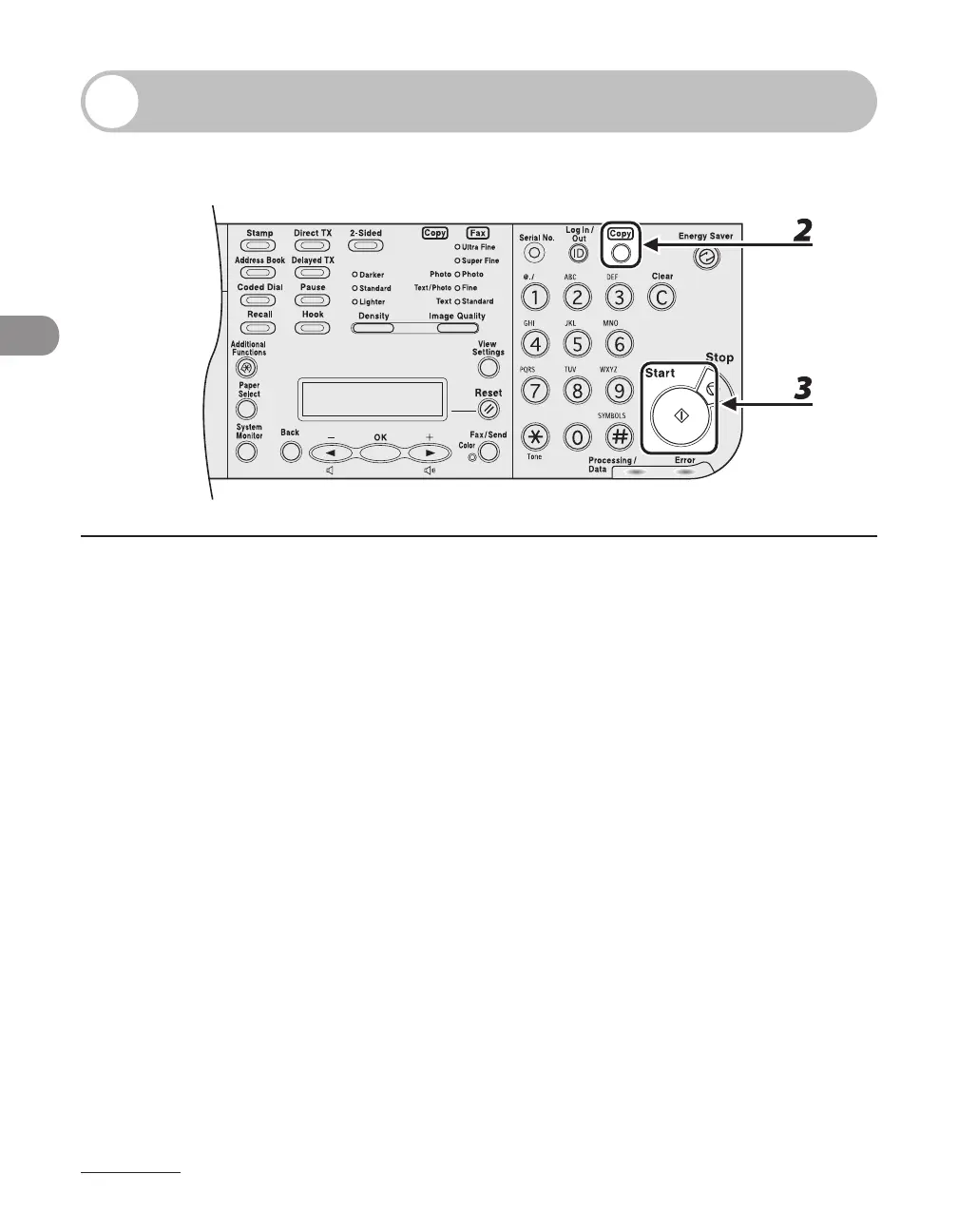
2 Press [Copy].
If using the LASER CLASS 810, you can switch to the Copy mode by pressing [Copy/Fax].
3 Set the desired copy mode and quantity (1 to 99), then press [Start].
You can reserve up to 5 copy jobs, with different settings for each job.














 To Next Page