Before Using the Machine
1-10
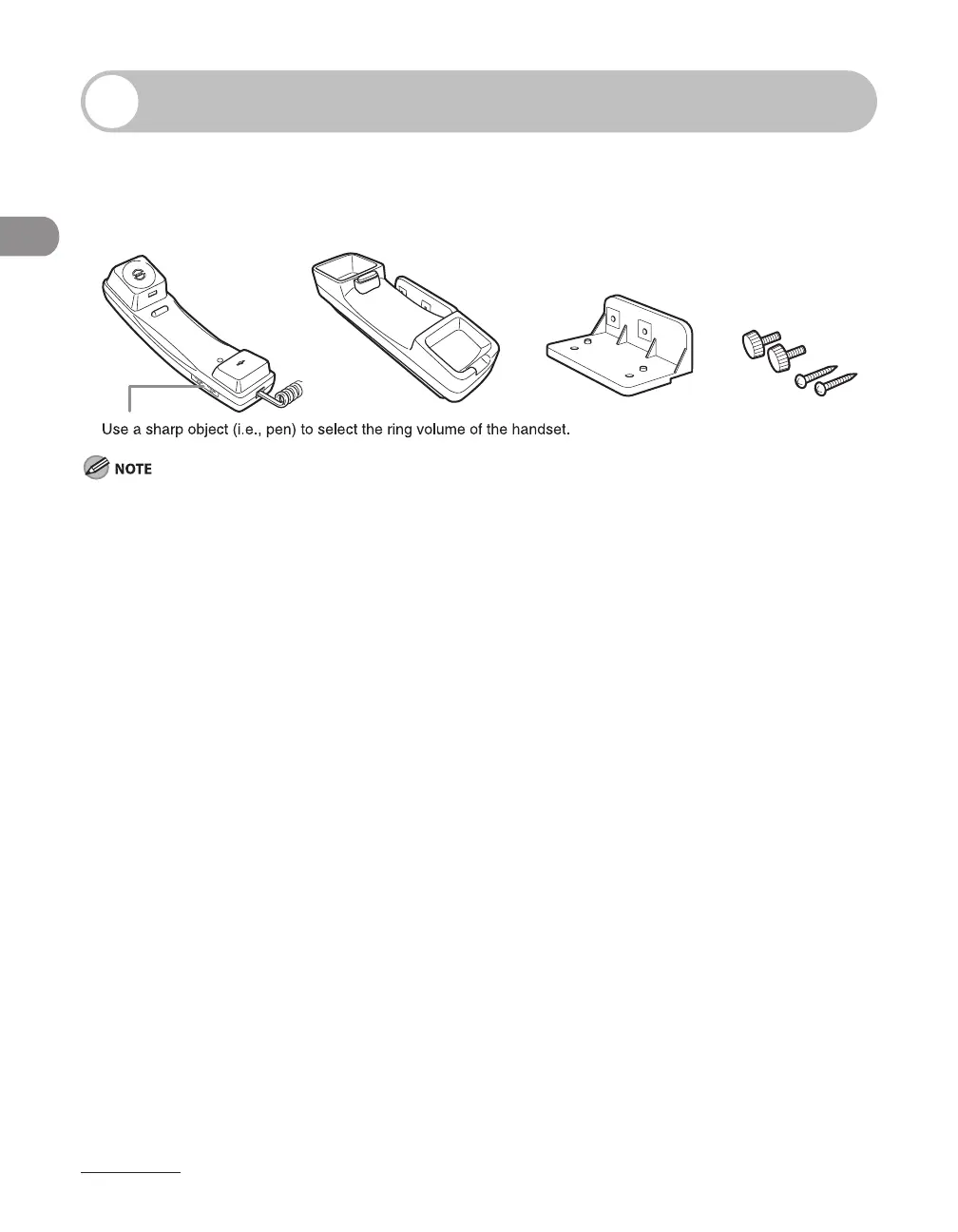
Optional Handset
If you want to use the machine as a telephone and a fax machine, or if you want
to receive faxes manually, install the optional handset available from your local
authorized Canon dealer or the Canon help line.
For how to install the handset, see “Set Up the Machine,” in the Starter Guide.
Maintaining the Handset
Do not leave the handset exposed to direct sunlight.
Do not install the handset in hot or humid conditions.
Do not spray aerosol polish on the handset as it may cause damage.
Use a damp cloth to wipe clean the handset.
–
–
–
–














 To Next Page