Sending Documents
4-82
Checking Dialing Line
Checking dialing line function enables you to configure the setting on whether to
check for a dial tone.
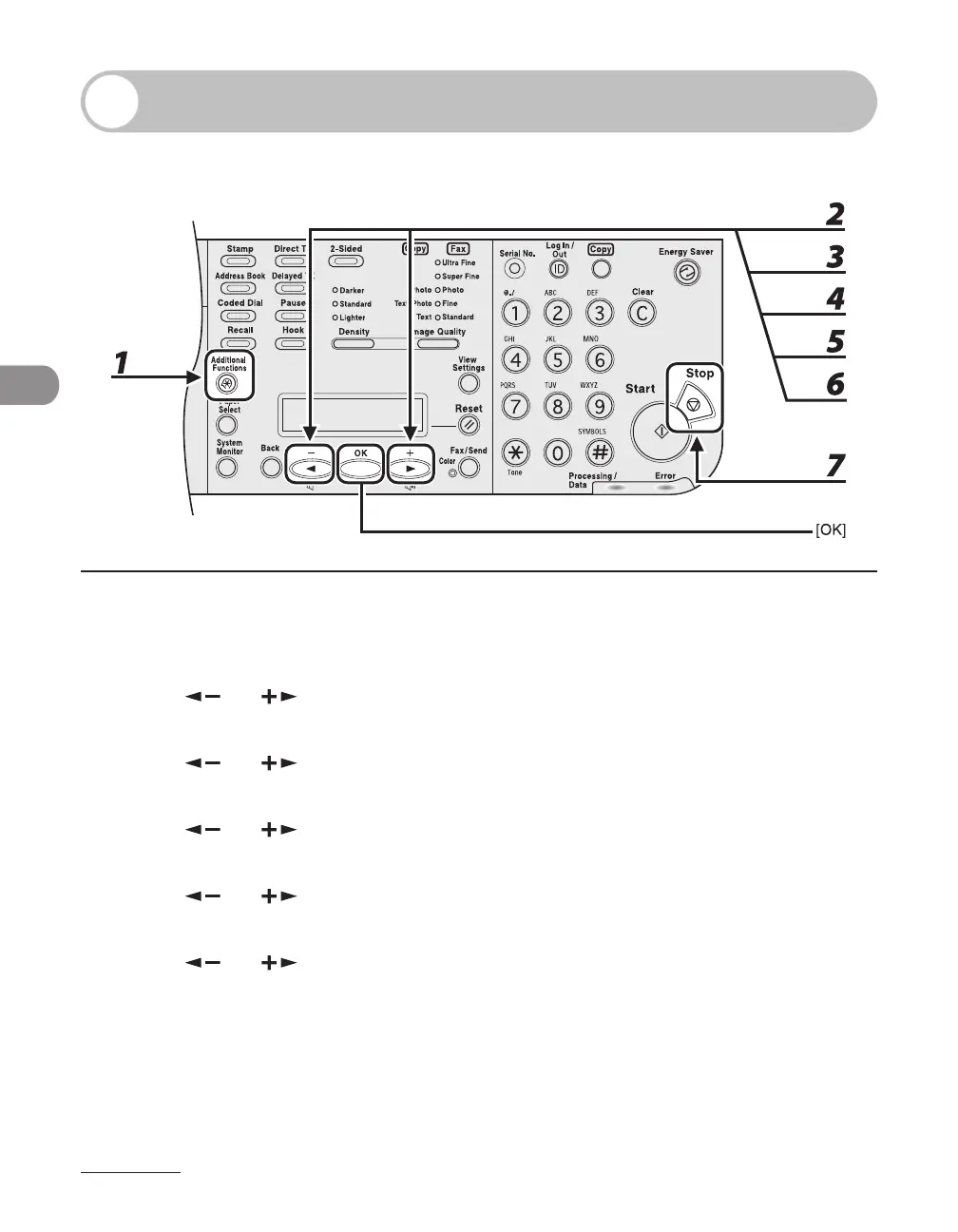
1 Press [Additional Functions].
2 Use [ ] or [ ] to select <TX/RX SETTINGS>, then press [OK].
3 Use [ ] or [ ] to select <FAX SETTINGS>, then press [OK].
4 Use [ ] or [ ] to select <TX SETTINGS>, then press [OK].
5 Use [ ] or [ ] to select <DIALING LINE CHCK>, then press [OK].
6 Use [ ] or [ ] to select <ON>, then press [OK].
7 Press [Stop] to return to the standby mode.














 To Next Page