Machine Settings
12-64
Checking Remaining Memory
You can check the remaining memory according to the status of the machine.
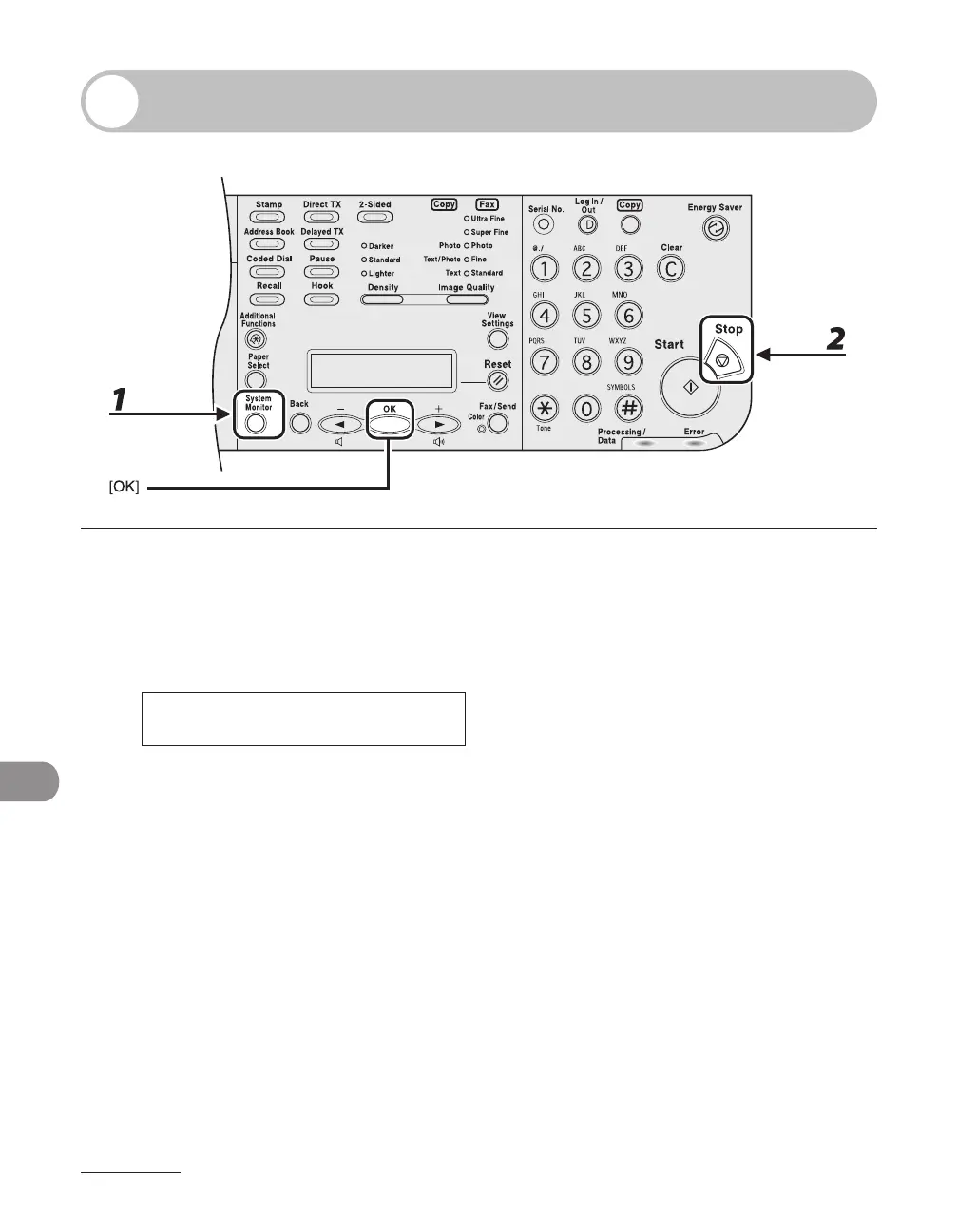
1 Press [System Monitor] repeatedly to select <AVAILABLE MEMORY>, then press
[OK] to confirm the remaining memory.
7 5 %
A V A I L A B L E M E M O R Y
Ex.
2 Press [Stop] to return to the standby mode.














 To Next Page