5-25
Receiving Documents
Printing Received Documents
The machine provides the following printing features: two-sided printing and
received image reduction.
Two-Sided Printing
You can print received documents on both sides of the paper.
You can print the received documents on both sides of the paper only when <PAPER SIZE> is set to <LTR>,
<LGL>, or <A4>. The received documents are printed on one side of the paper when <PAPER SIZE> is not set to
<LTR>, <LGL>, or <A4>. (See “Setting Paper Size and Type,” on p. 2-12.)
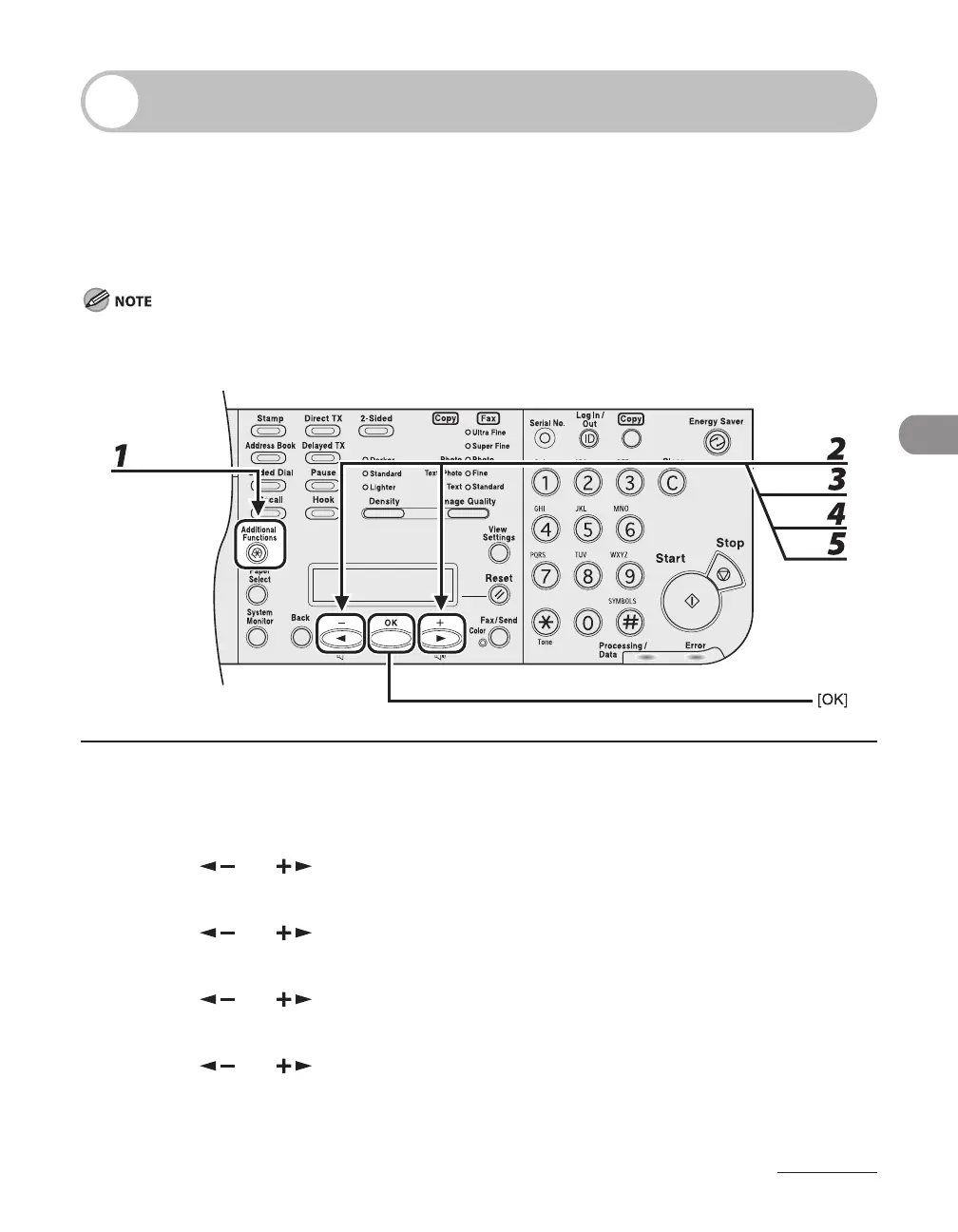
1 Press [Additional Functions].
2 Press [ ] or [ ] to select <TX/RX SETTINGS>, then press [OK].
3 Press [ ] or [ ] to select <TX/RX COMMON SET.>, then press [OK].
4 Press [ ] or [ ] to select <RX SETTINGS>, then press [OK].
5 Press [ ] or [ ] to select <TWO-SIDED PRINT>, then press [OK].














 To Next Page