5-15
Receiving Documents
Forwarding Received Documents
You can set the machine to forward received documents to other machines or file
servers. If a received document matches the forwarding conditions, it is forwarded to
the specified destination. Forwarding settings can be made using the Remote UI.
For instructions on forwarding settings and how to turn on and off the forward mode, see Reference Guide >
Settings/Management from a PC > Specifying Forwarding Settings.
When Forwarding Destinations Do Not Match the Forwarding
Conditions
If a forwarding destination is not registered, or if the received document does not match
all of the forwarding conditions that you have specified, you can specify the forwarding
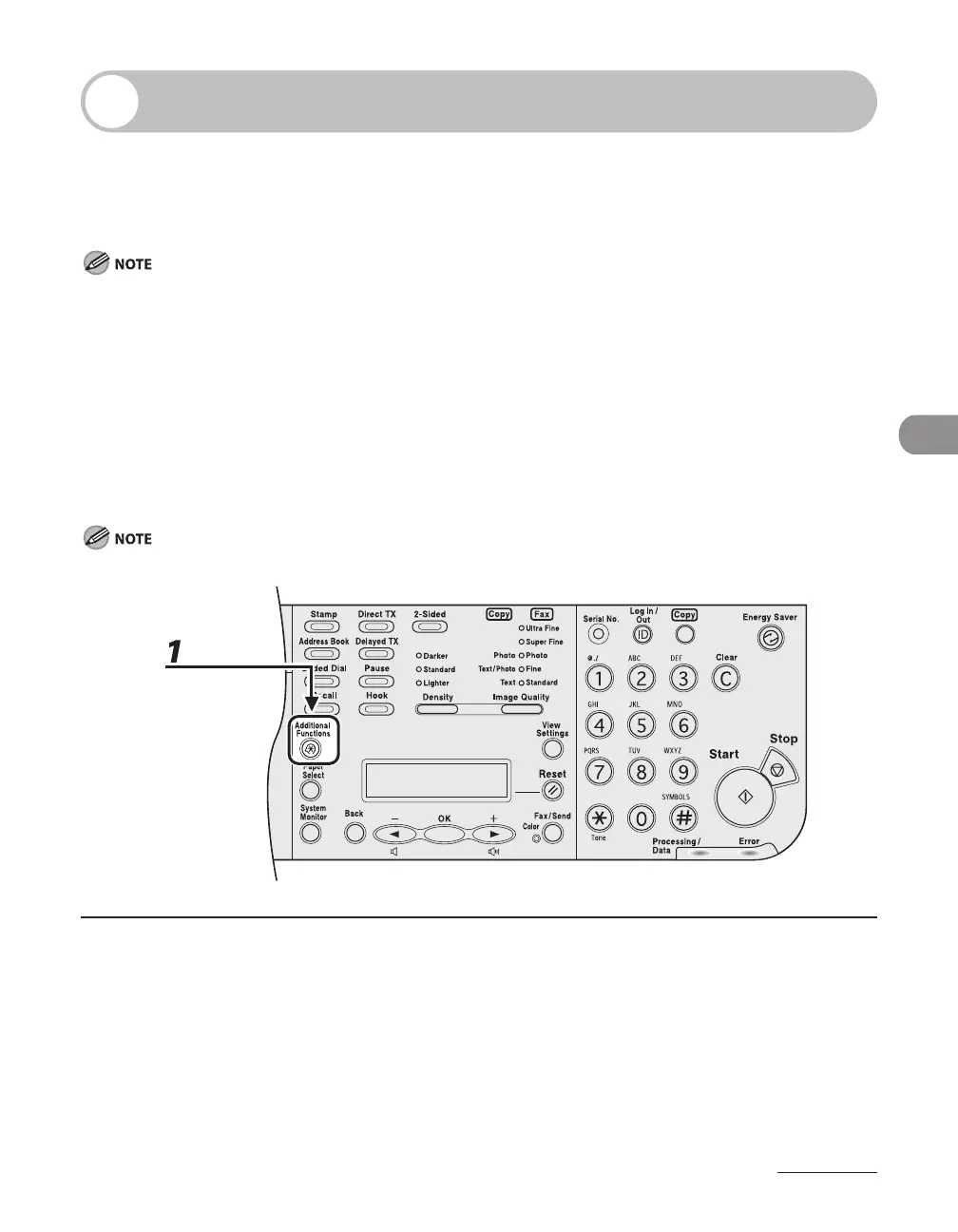
destination using the operation panel.
The documents for TX Document Archiving (see p. 4-75) are sent to a forwarding destination you register here.
1
Press [Additional Functions].














 To Next Page