System Manager Settings
9-14
Checking Counter Information
You can check how much paper was used by the each department.
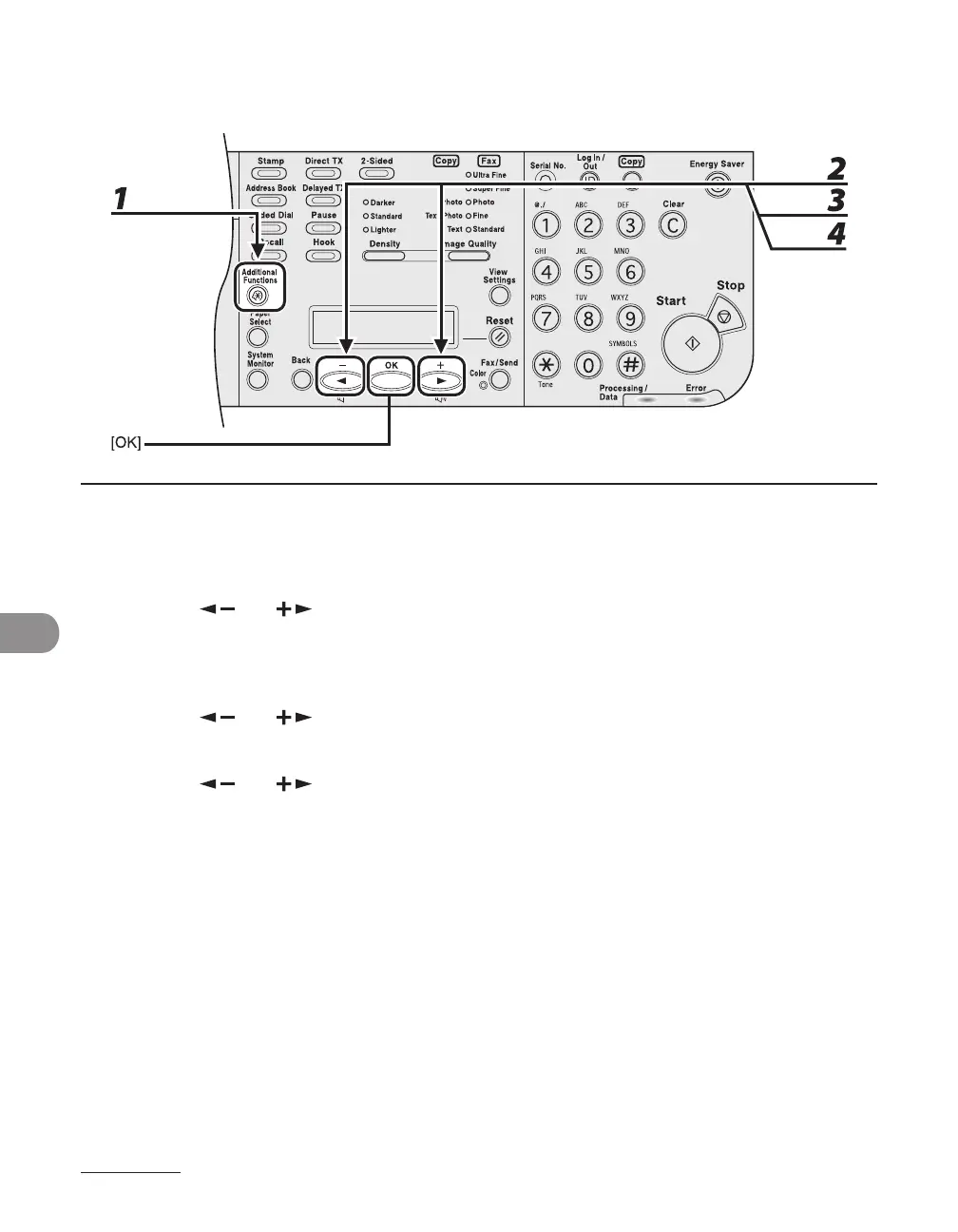
1 Press [Additional Functions].
2 Press [ ] or [ ] to select <SYSTEM SETTINGS>, then press [OK].
If the System Manager ID and System Password have been set, enter the System Manager ID and System
Password using the numeric keys, then press [Log In/Out (ID)].
3 Press [ ] or [ ] to select <MANAGE DEPT. ID>, then press [OK].
4 Press [ ] or [ ] to select <ON>, then press [OK].














 To Next Page