Machine Settings
12-52
Printing Reports Automatically
TX REPORT, RX REPORT, and ACTIVITY REPORT can be set to print automatically.
TX REPORT
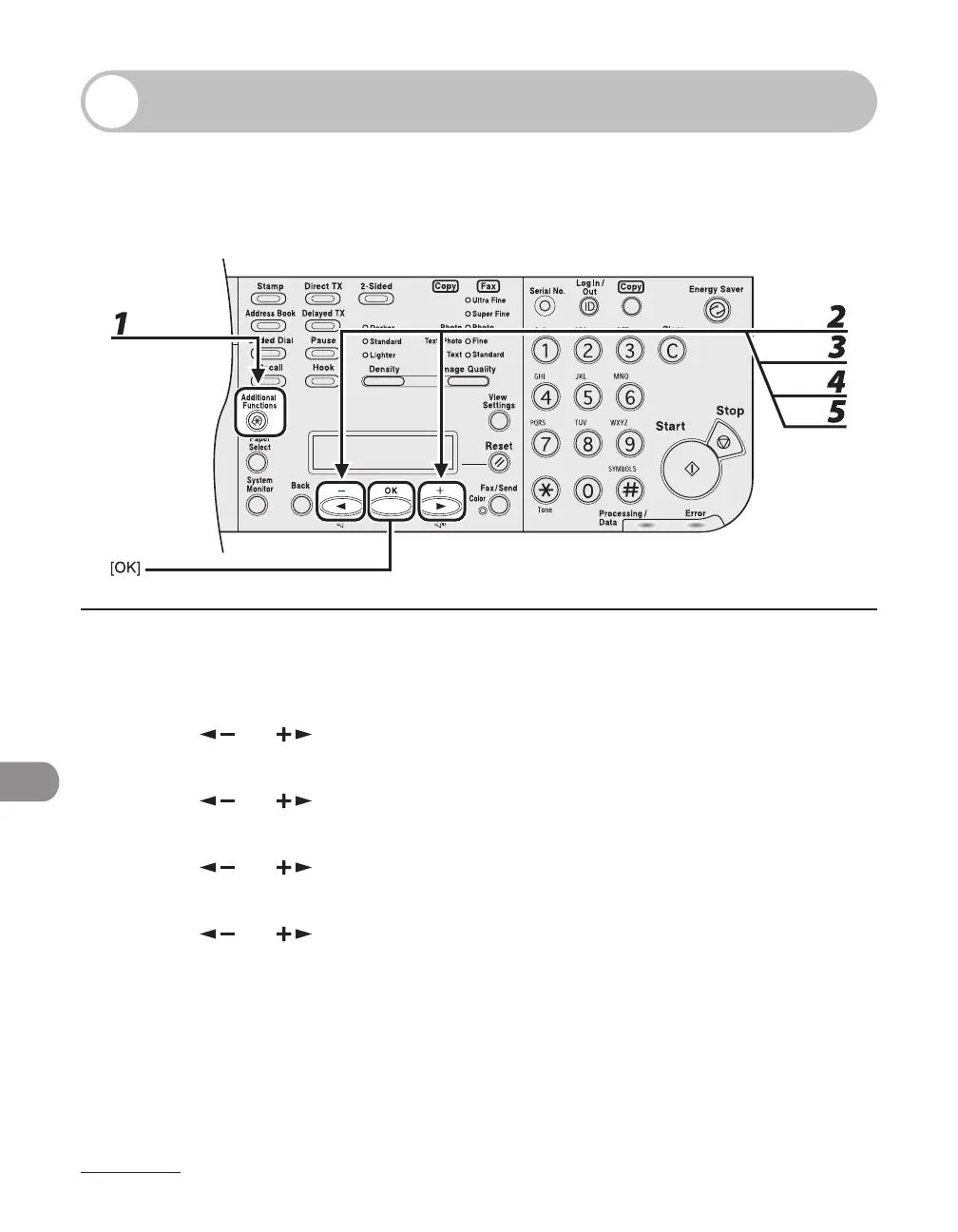
1 Press [Additional Functions].
2 Press [ ] or [ ] to select <REPORT SETTINGS>, then press [OK].
3 Press [ ] or [ ] to select <SETTINGS>, then press [OK].
4 Press [ ] or [ ] to select <TX REPORT>, then press [OK].
5 Press [ ] or [ ] to select the setting you want, then press [OK].
<PRINT ERROR ONLY>: Prints a report only when a transmission error occurs.
<OUTPUT YES>: Prints a report every time you send a document.
<OUTPUT NO>: Does not print a report. Skip to step 7.














 To Next Page