4-71
Sending Documents
Setting Up and Using the Optional Stamp Feature
If the optional stamp feature is provided on your machine, you can set the machine to
stamp the front, lower center of every page you scan for sending.
Setting Up the Stamp Action
Follow this procedure to set up the stamp action when the stamp feature is turned ON.
If you are using the LASER CLASS 830i, this setting is enabled when sending to a fax, I-fax, e-mail, or file server
destination.
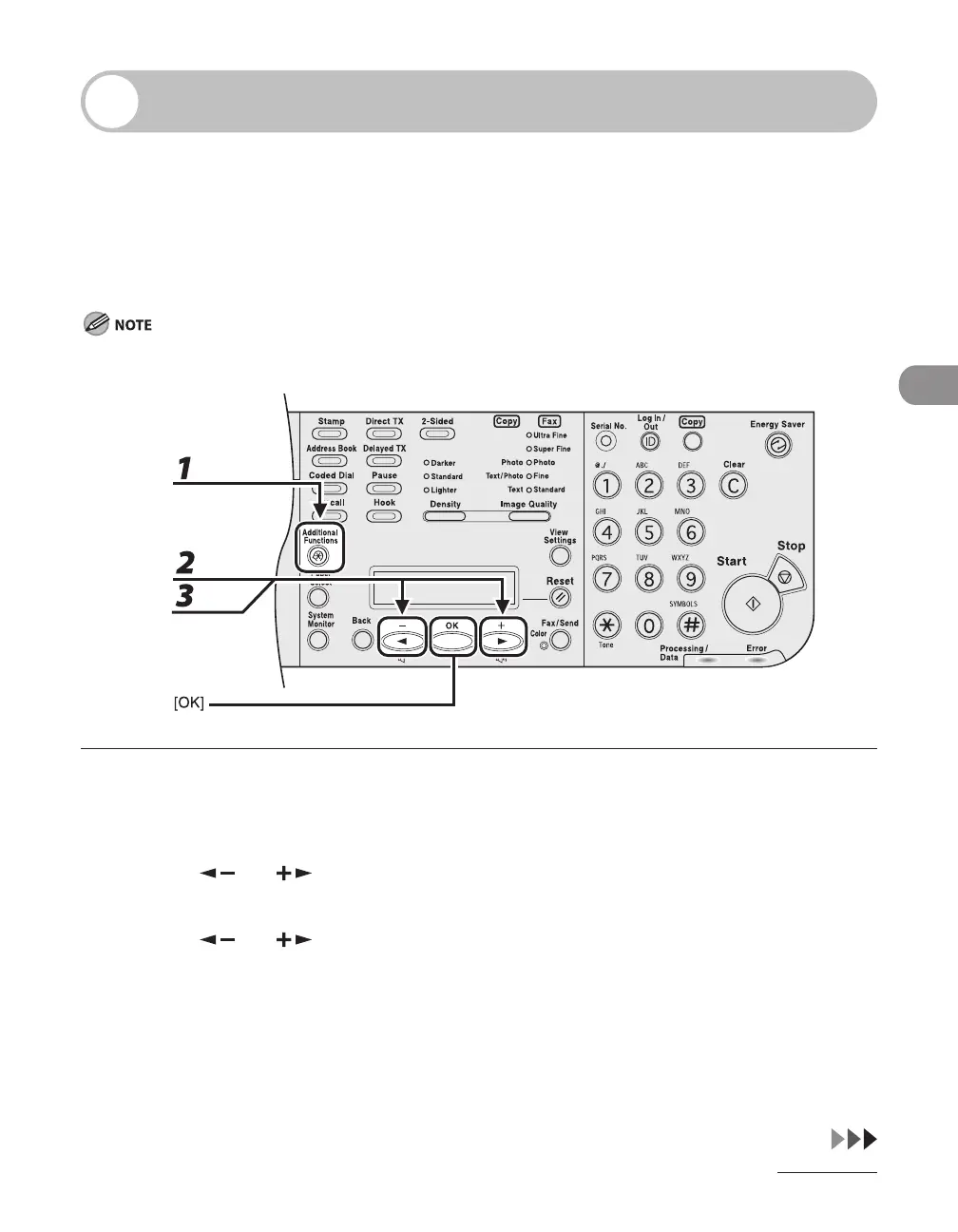
1 Press [Additional Functions].
2 Press [ ] or [ ] to select <TX/RX SETTINGS>, then press [OK].
3 Press [ ] or [ ] to select <FAX SETTINGS>, then press [OK].














 To Next Page