1-11
Before Using the Machine
Department/User ID Management
If Department ID Management or User ID Management is set to <ON> in <SYSTEM
SETTINGS>, you must enter your ID and password to be able to operate the machine.
For details, see “System Manager Settings,” on p. 9-1.
Procedure before Using the Machine
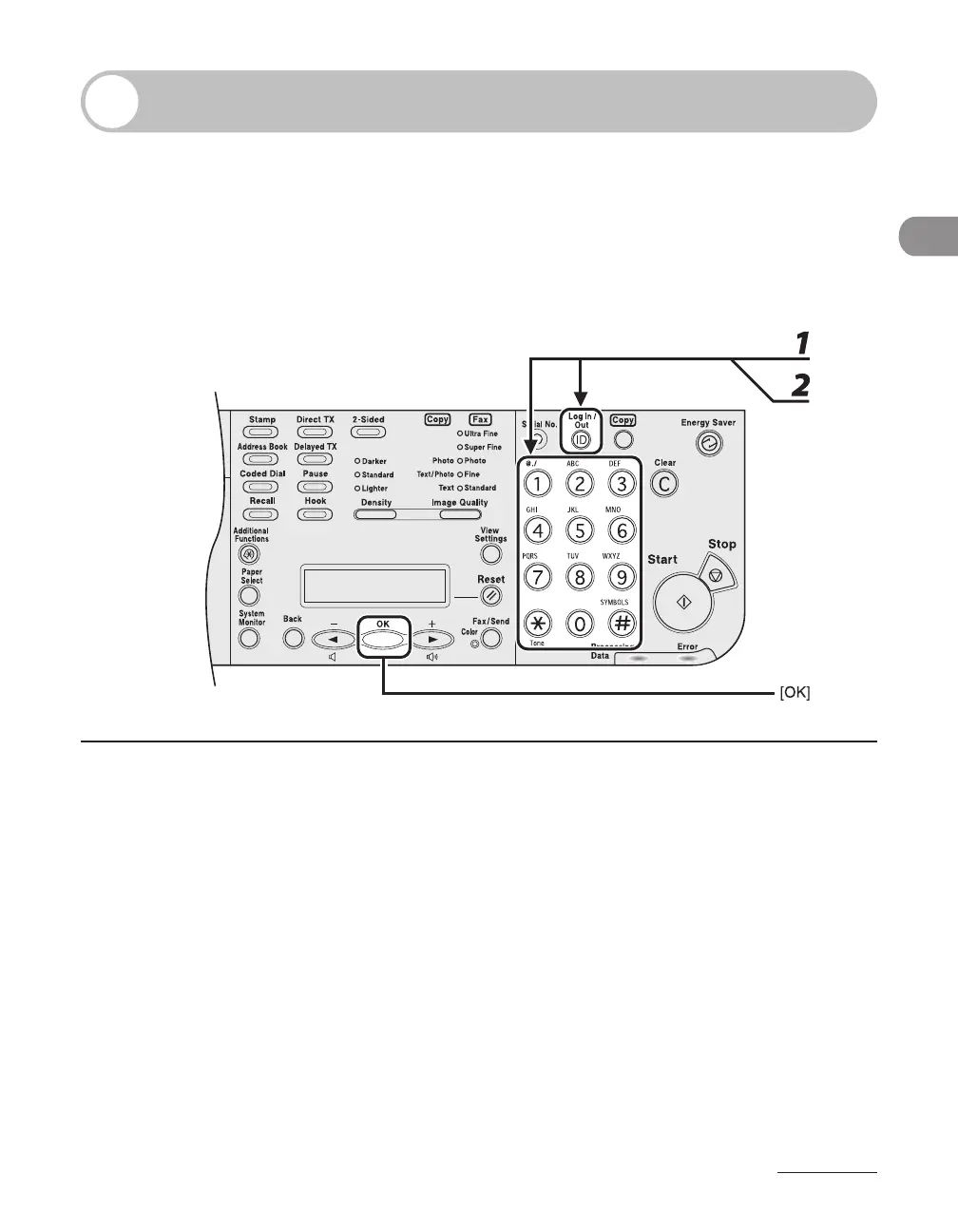
1 Enter the department ID or the user ID with the numeric keys, then press [OK]
or [Log In/Out (ID)].
2 If the password is set, enter the password with the numeric keys, then press
[OK] or [Log In/Out (ID)].
The standby display appears.














 To Next Page