9-19
System Manager Settings
Accepting Print Jobs with Unknown IDs
You can specify whether to accept or reject print jobs from computers that do not
correspond with a registered Department ID.
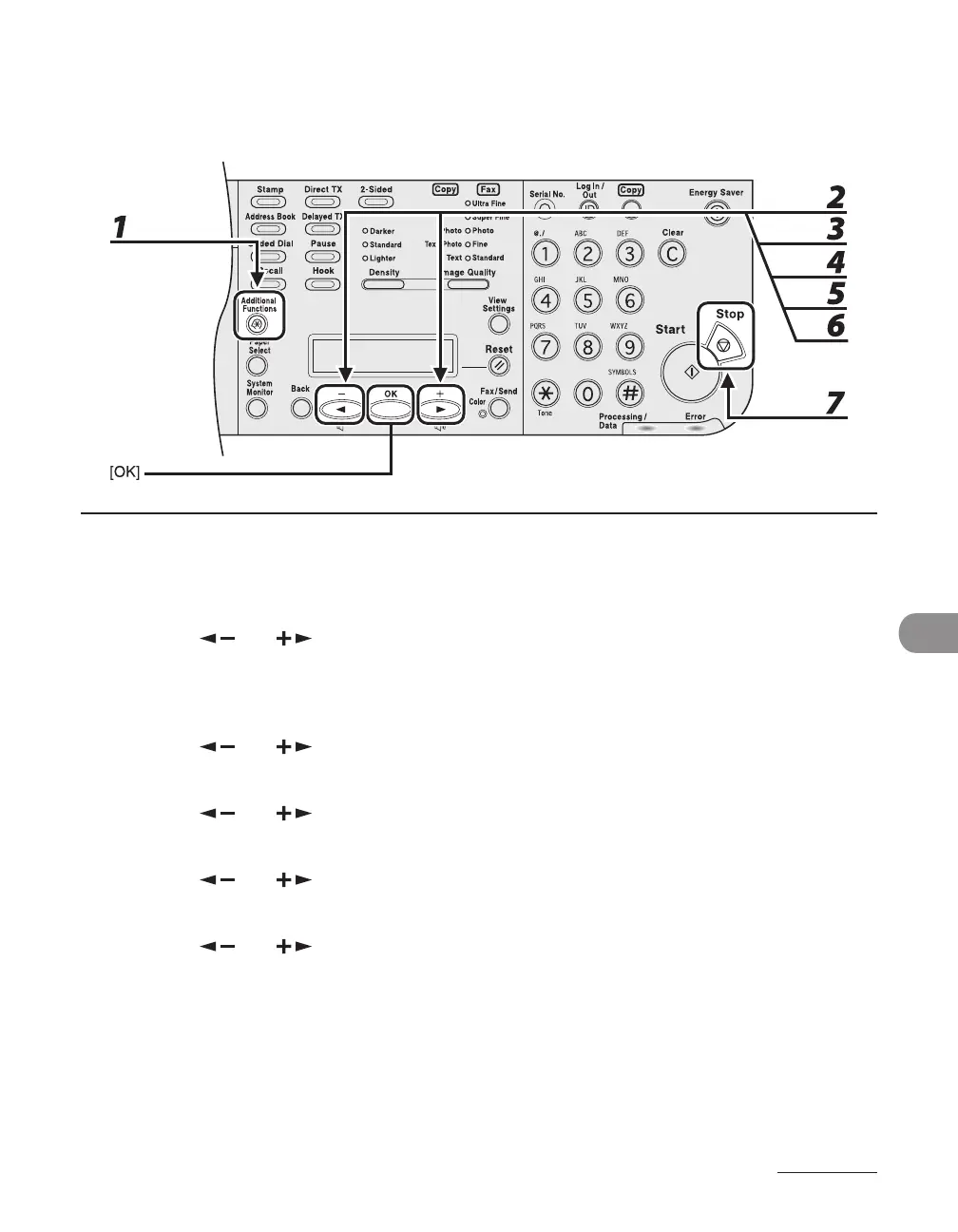
1 Press [Additional Functions].
2 Press [ ] or [ ] to select <SYSTEM SETTINGS>, then press [OK].
If the System Manager ID and System Password have been set, enter the System Manager ID and System
Password using the numeric keys, then press [Log In/Out (ID)].
3 Press [ ] or [ ] to select <MANAGE DEPT. ID>, then press [OK].
4 Press [ ] or [ ] to select <ON>, then press [OK].
5 Press [ ] or [ ] to select <PDL JOBS W/OUT ID>, then press [OK].
6 Press [ ] or [ ] to select <ON> or <OFF>, then press [OK].
<ON>: The machine accepts print jobs from computers that do not correspond with a registered
Department ID.
<OFF>: The machine does not accept print jobs from computers that do not correspond with a
registered Department ID.
7 Press [Stop] to return to the standby mode.














 To Next Page