10-11
Maintenance
Replacing the Toner Cartridge
When the LCD displays <TONER LOW/
PREPARE NEW TONER>, the machine will
not print and stores all documents in
memory if it receives data. In this case,
redistribute toner in the toner cartridge.
If the message persists, replace the toner
cartridge.
If you want to print out the documents
without replacing the toner cartridge, set
<CONT. PRINTING> to <KEEP PRINTING>
in <RX SETTINGS> of <TX/RX COMMON
SET.> in <TX/RX SETTINGS>. (See “Setting
Menu,” on p. 12-5.)
When <CONT. PRINTING> is set to <KEEP
PRINTING>, the printed documents may be light or
blurred because of lack of toner. The data is erased
when the documents are printed out, so you can
not print the same documents again.
Do not touch the rollers and parts which have
labels “CAUTION! Hot surface avoid contact” on.
They become very hot during use.
–
–
Redistributing Toner
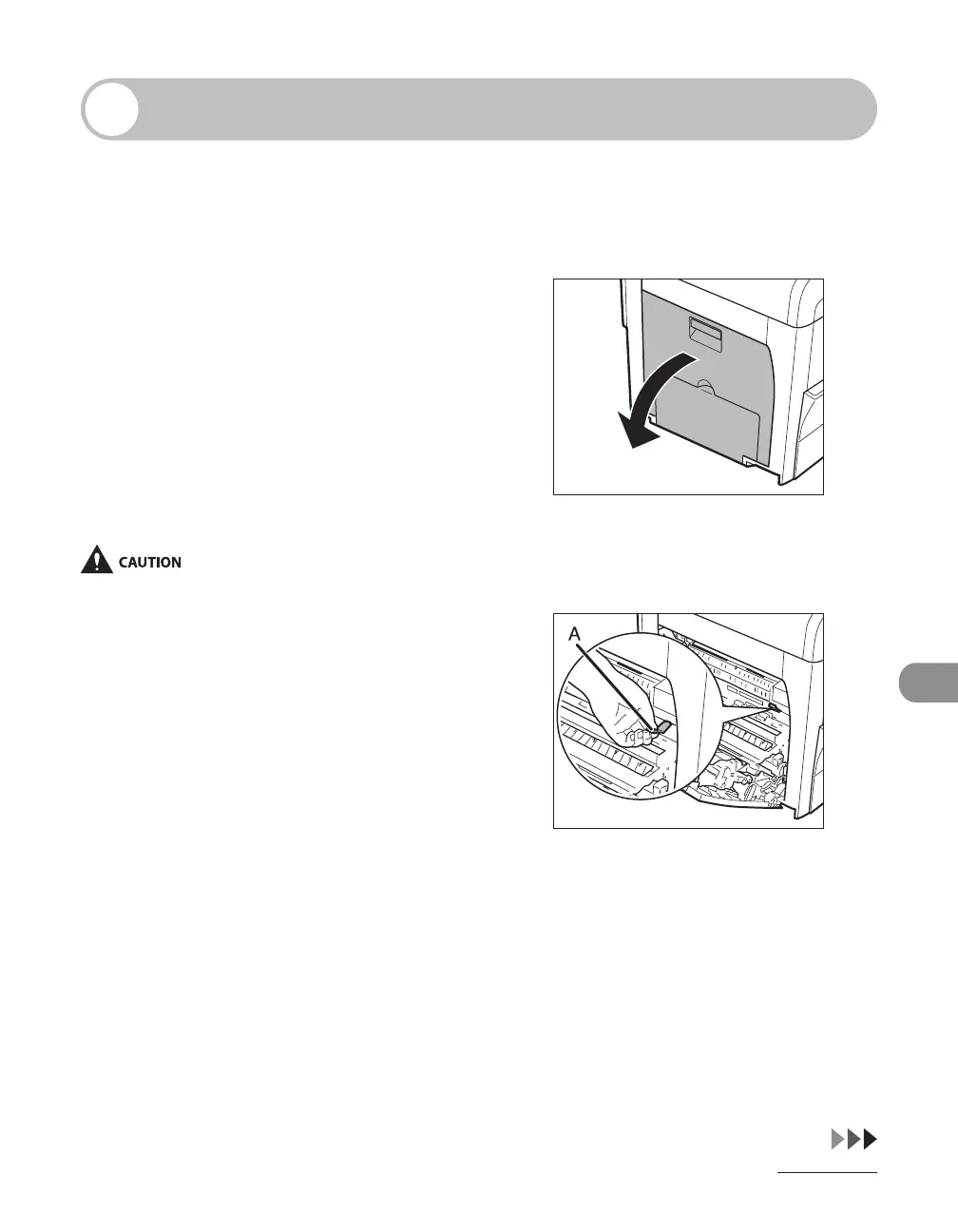
1 Open the left cover.
2 Grasp the blue plastic pull tab (A)
on the toner cartridge.














 To Next Page