Machine Settings
12-2
Machine Settings
You can adjust the machine settings from the Setting Menu to customize the way the
machine works. To see the list of current settings, print out USER'S DATA LIST.
Printing USER'S DATA LIST
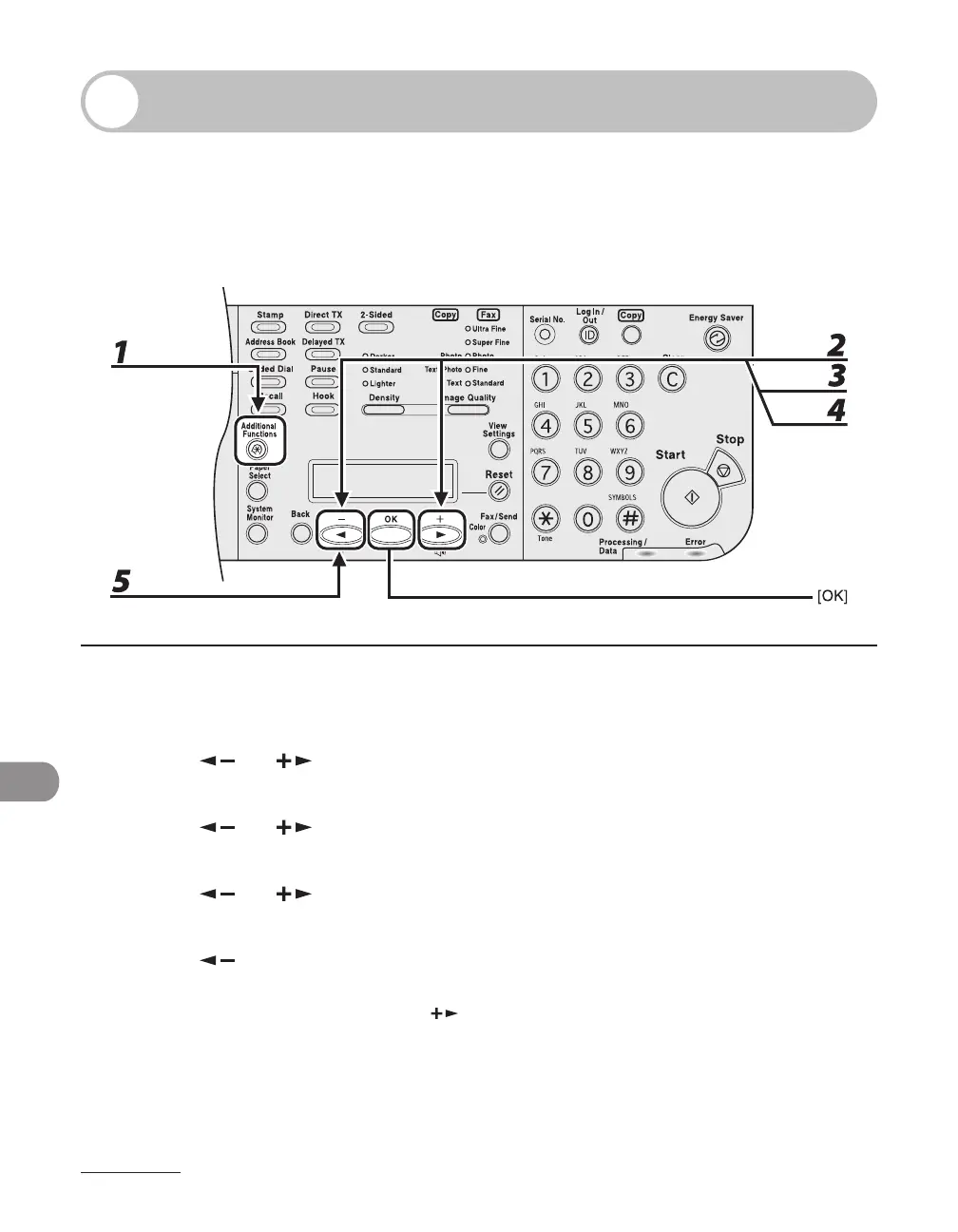
1 Press [Additional Functions].
2 Press [ ] or [ ] to select <REPORT SETTINGS>, then press [OK].
3 Press [ ] or [ ] to select <LIST PRINT>, then press [OK].
4 Press [ ] or [ ] to select <USER DATA LIST>, then press [OK].
5 Press [ ] to select <YES>.
Printing starts, and the screen automatically returns to the standby mode.
If you do not want to print the list, press [
] to select <NO>.














 To Next Page