Copying
3-6
Auto Zoom
You can set to automatically enlarge/reduce the original according to a specified
paper size when copying. The zoom ratio can be set from 50% to 145%.
When this setting is enabled, if you are using the LASER CLASS 810, you must specify the original size when
copying.
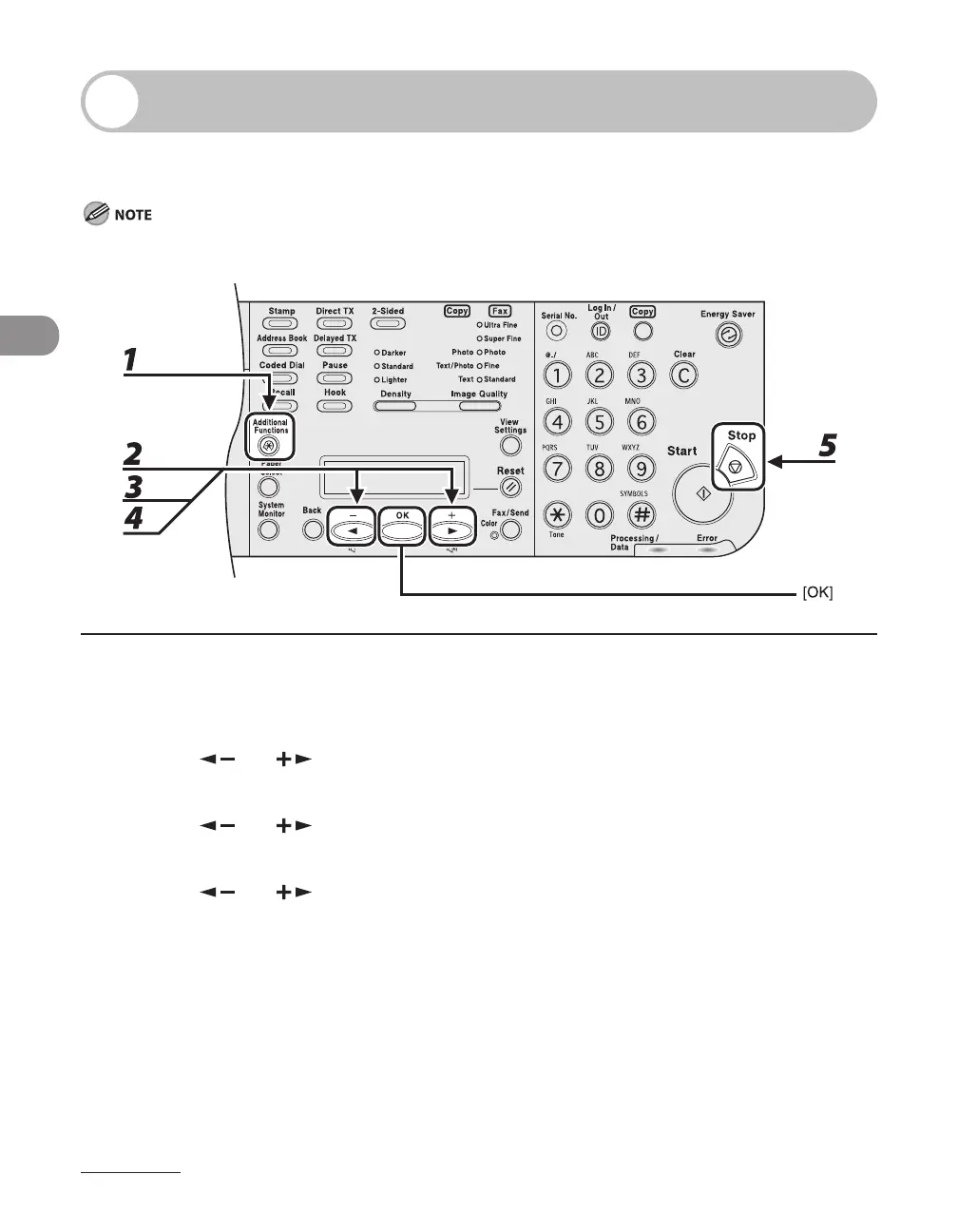
1 Press [Additional Functions].
2 Press [ ] or [ ] to select <COPY SETTINGS>, then press [OK].
3 Press [ ] or [ ] to select <AUTO ZOOM>, then press [OK].
4 Press [ ] or [ ] to select <ON>, then press [OK].
5 Press [Stop] to return to the standby mode.














 To Next Page