3-5
Copying
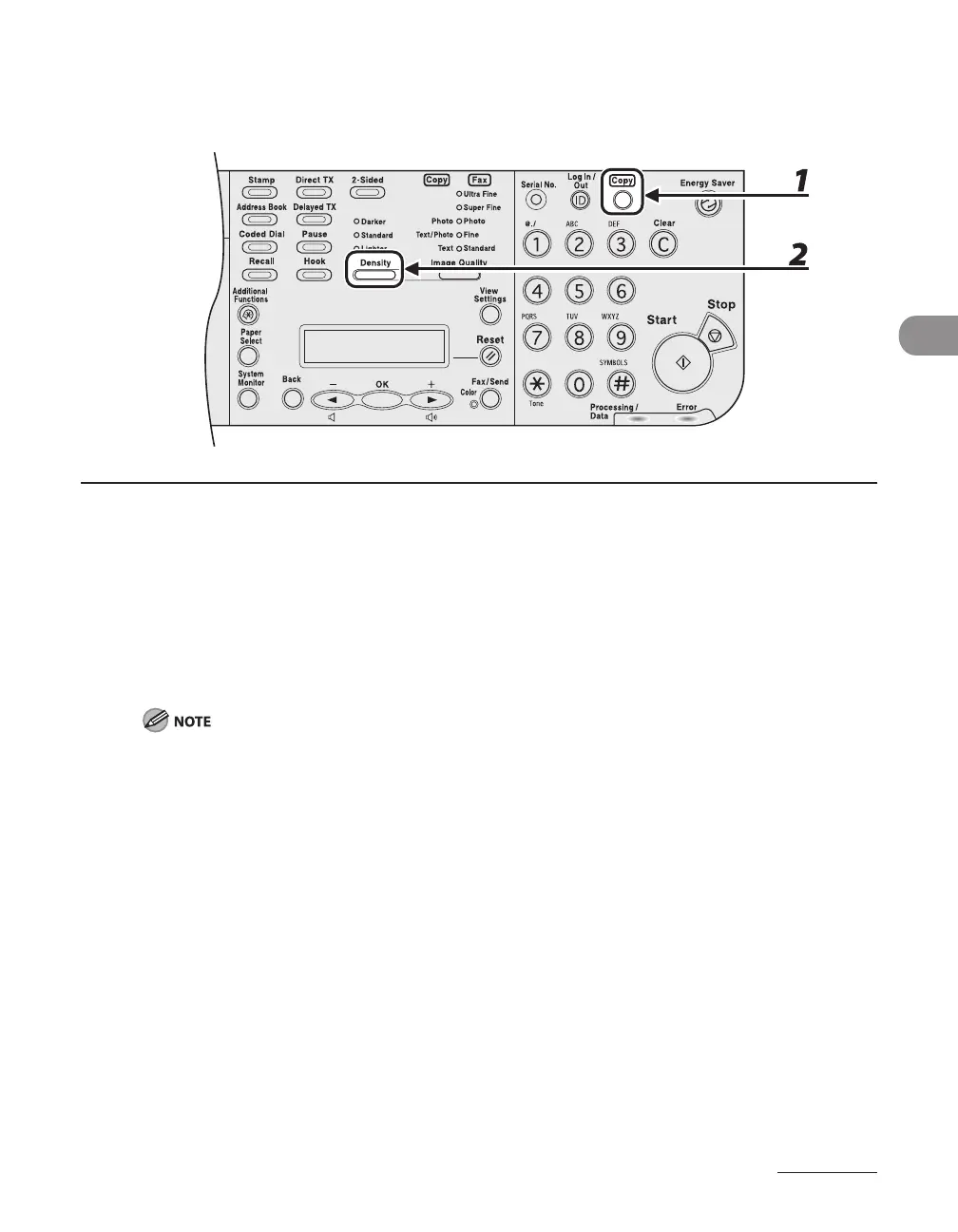
Density
You can adjust the density to the most appropriate level for the document manually.
1 Press [Copy].
If using the LASER CLASS 810, you can switch to the Copy mode by pressing [Copy/Fax].
2 Press [Density] repeatedly to select the density mode.
<Darker>: to make light documents darker
<Standard>: Suitable for copying regular originals.
<Lighter>: to make dark documents lighter
To cancel all settings, press [Reset].
When you switch the mode by pressing the mode keys such as [Fax/Send], all settings will be also
canceled. If you want to keep the settings, set the density as following;
[Additional Functions]
<COPY SETTINGS> <STANDARD SETTINGS> <DENSITY>
(See “Setting Menu,” on p. 12-5.)
–
–














 To Next Page