11-19
Troubleshooting
Changing the Paper Size Setting
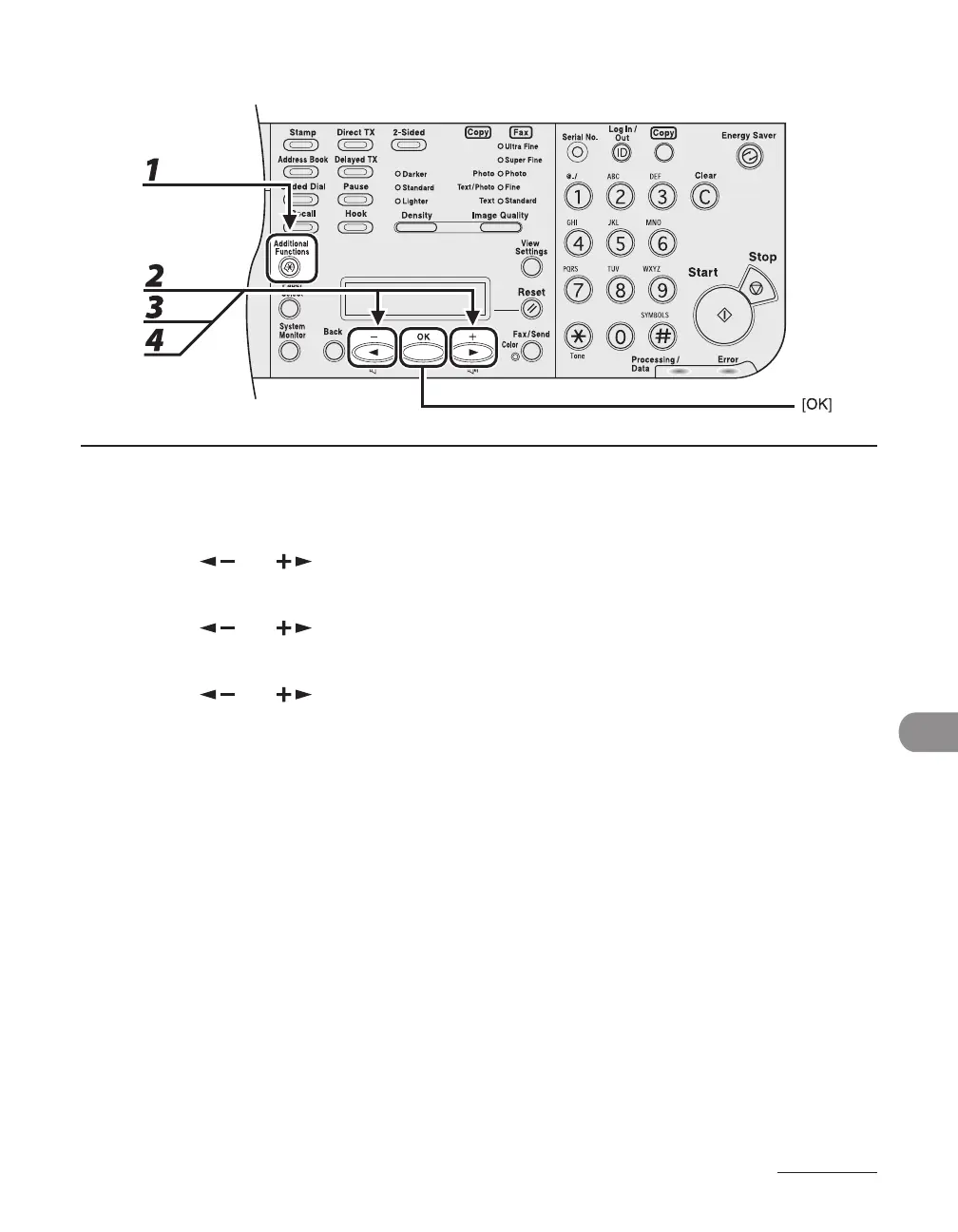
1 Press [Additional Functions].
2 Press [ ] or [ ] to select <PAPER SETTINGS>, then press [OK].
3 Press [ ] or [ ] to select <CASSETTE> or <MP TRAY>, then press [OK].
4 Press [ ] or [ ] to select <PAPER SIZE>, then press [OK].














 To Next Page