Machine Settings
12-8
COMMON SETTINGS
5. DISPLAY LANGUAGE Selects the language on the display. (See “Specifications,” on
p. 13-2.)
6. ADF DIRTY ERROR Sets whether the error message will appear when the ADF is
dirty.
DO NOT DISPLAY
DISPLAY
–
–
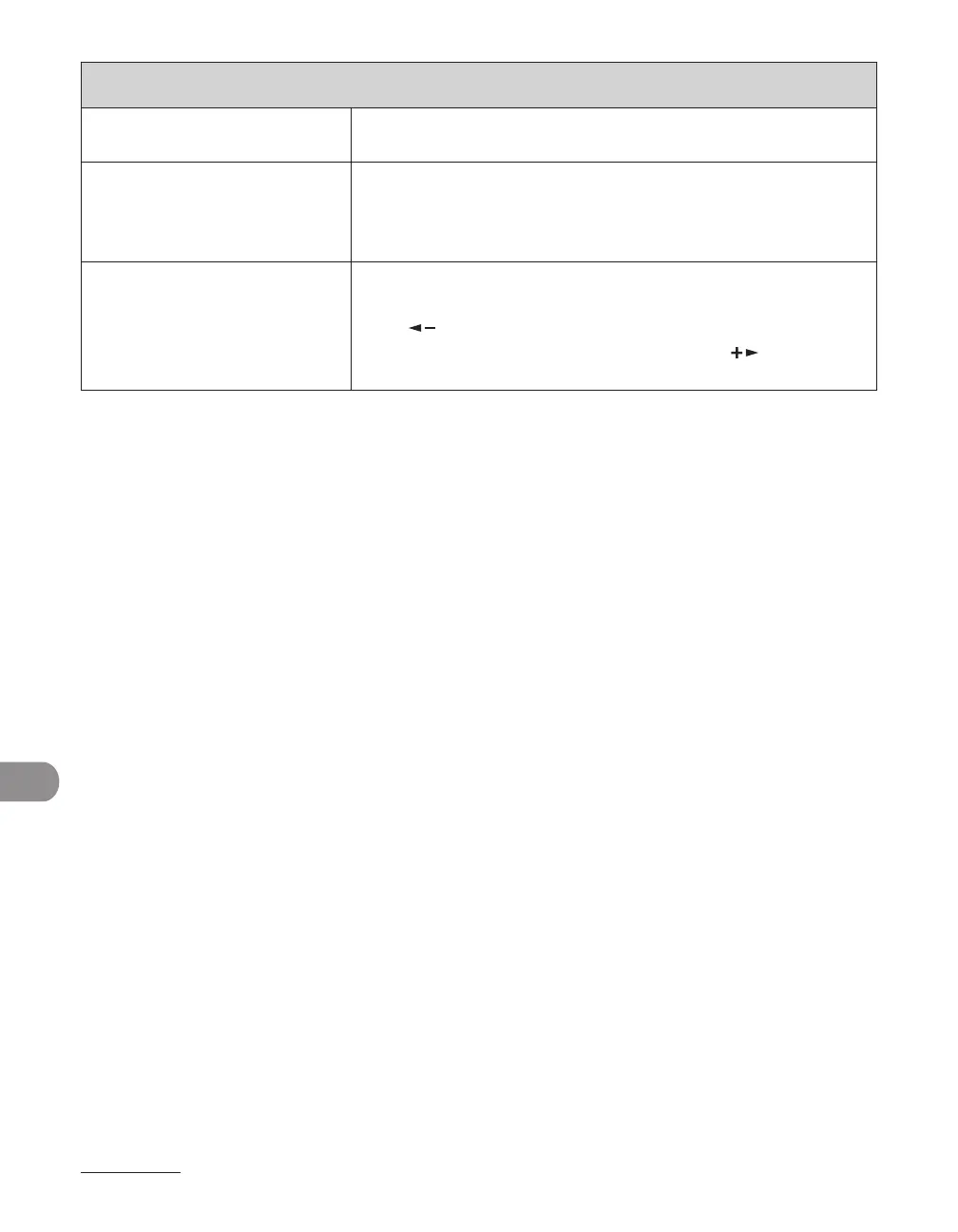
7. INIT. COMMON SET. Restores all <COMMON SETTINGS> to the default except for
<DISPLAY LANGUAGE>.
Press [ ] to select <YES>.
If you do not want to restore all settings, press [ ] to select
<NO>.
* Only for users of the optional paper cassette
** For the LASER CLASS 810 an optional network printer kit is required
*** LASER CLASS 810 Only














 To Next Page