Troubleshooting
11-20
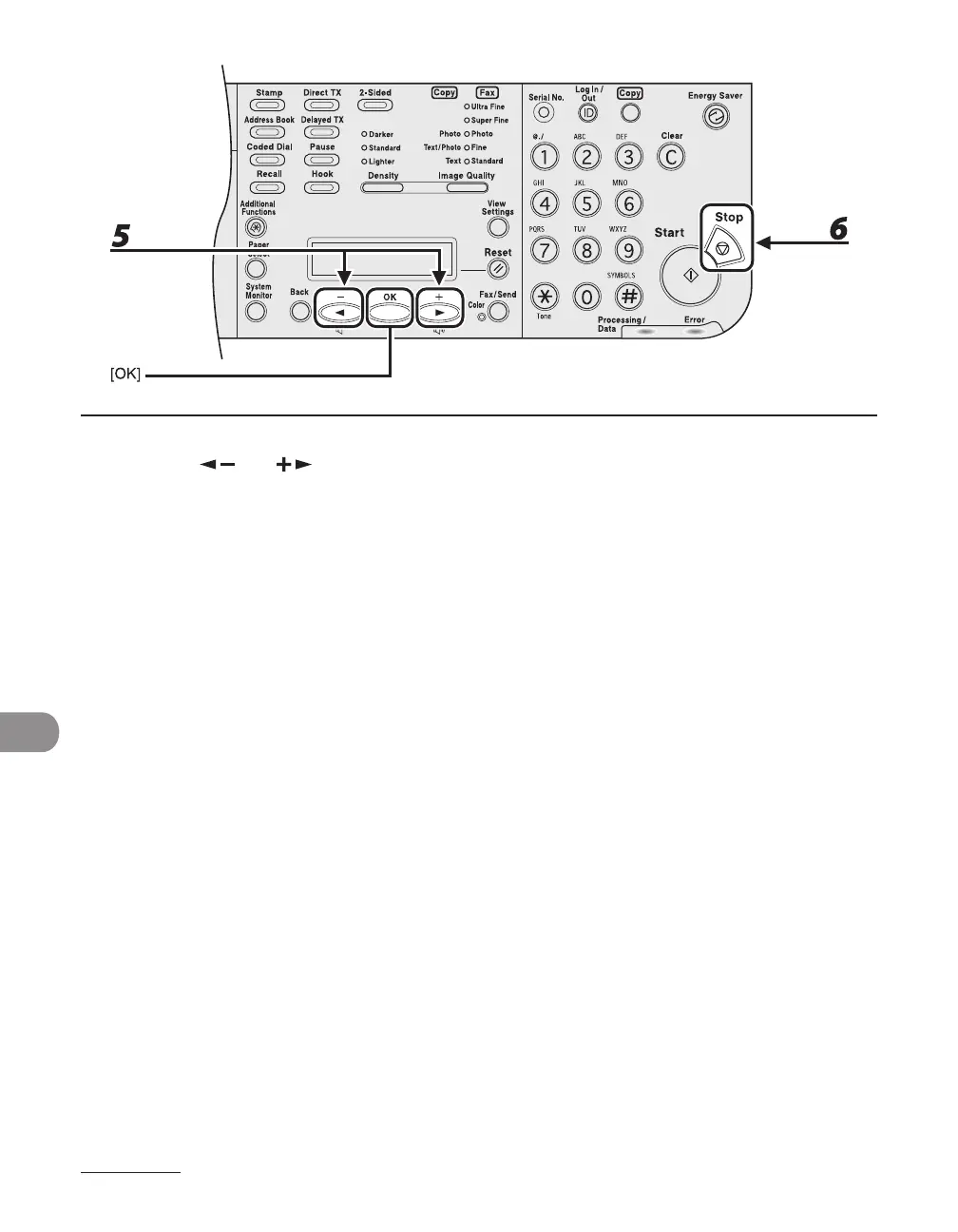
5 Press [ ] or [ ] to select the paper size same as paper loaded into the
machine, then press [OK].
6 Press [Stop] to return to the standby mode.
7 Pull out the paper cassette, and then slowly return it to the machine until it
clicks.
It is not necessary to pull the paper casette out as far as it goes.
The machine re-starts printing.














 To Next Page