Sending Documents
4-72
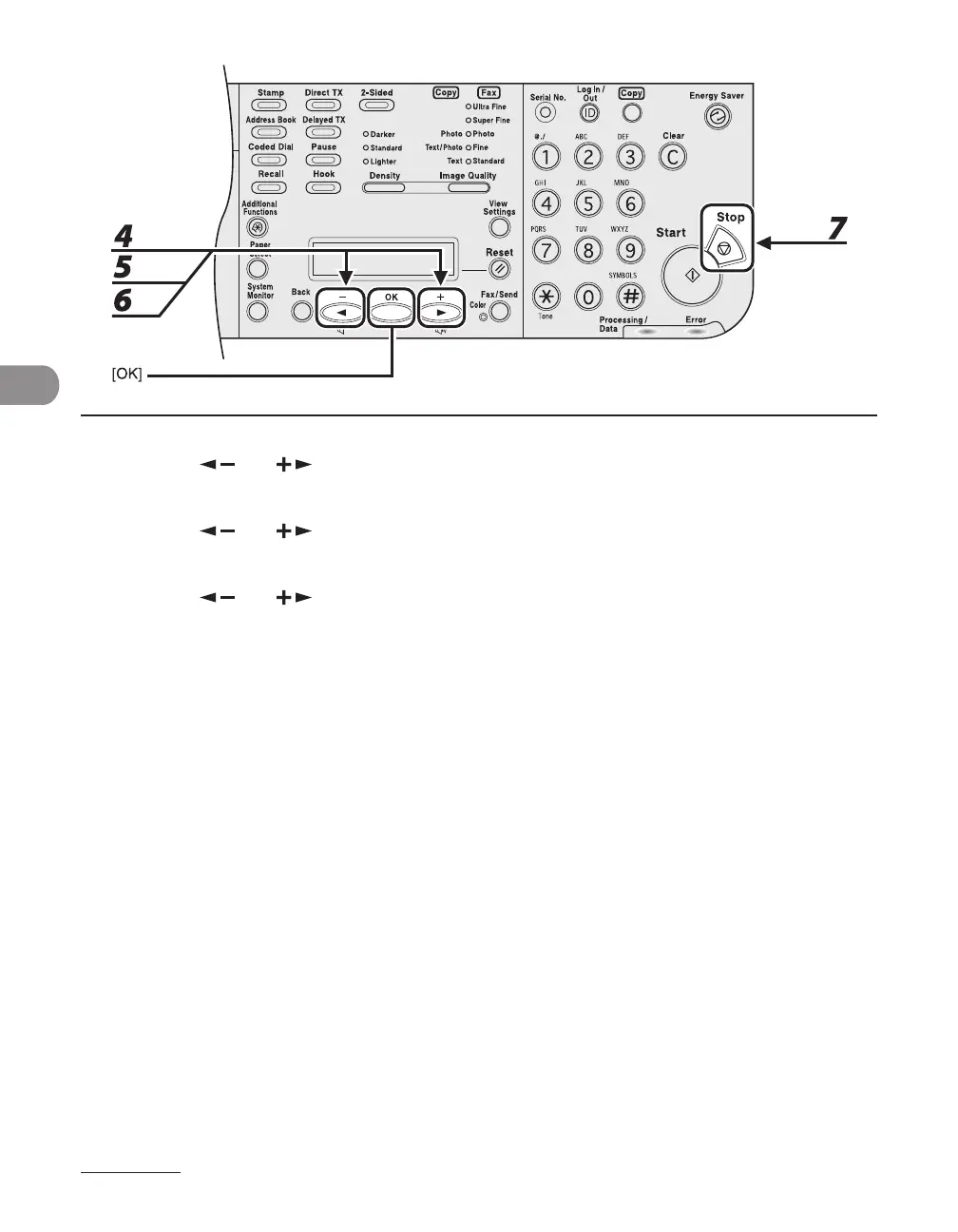
4 Press [ ] or [ ] to select <TX SETTINGS>, then press [OK].
5 Press [ ] or [ ] to select <STAMP DOCUMENT>, then press [OK].
6 Press [ ] or [ ] to select <DIRECT TX> or <DIRECT&MEMORY TX>, then
press [OK].
<DIRECT TX>: Stamps only documents you scan for direct sending.
<DIRECT&MEMORY TX>: Stamps all documents you scan for direct and memory sending.
7 Press [Stop] to return to the standby mode.














 To Next Page