9-13
System Manager Settings
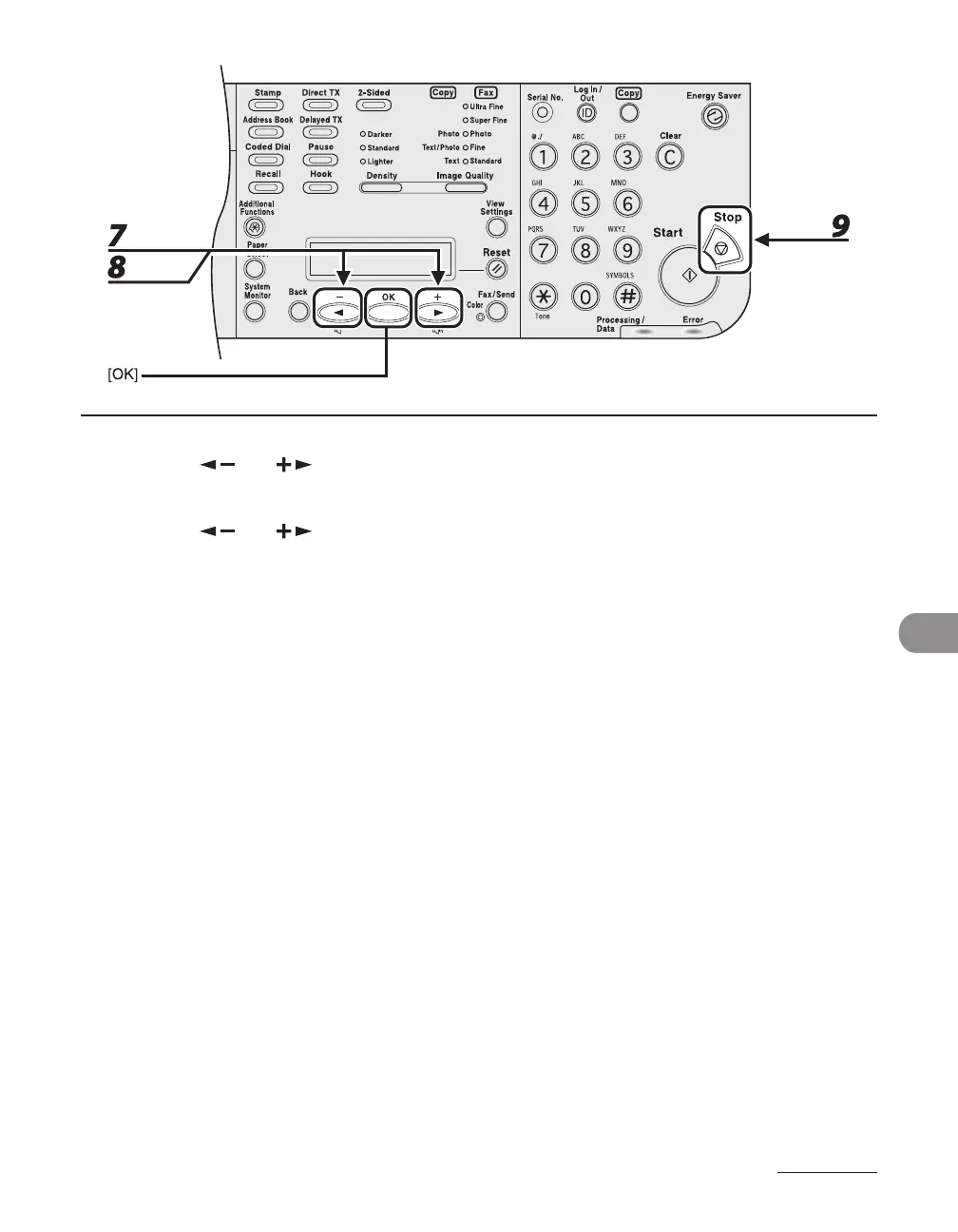
7 Press [ ] or [ ] to select <ERASE>, then press [OK].
8 Press [ ] or [ ] to select <YES> or <NO>, then press [OK].
<NO>: Does not erase the selected Department ID and all of its settings.
<YES>: Erase the selected Department ID and all of its settings.
9 Press [Stop] to return to the standby mode.














 To Next Page