9-15
System Manager Settings
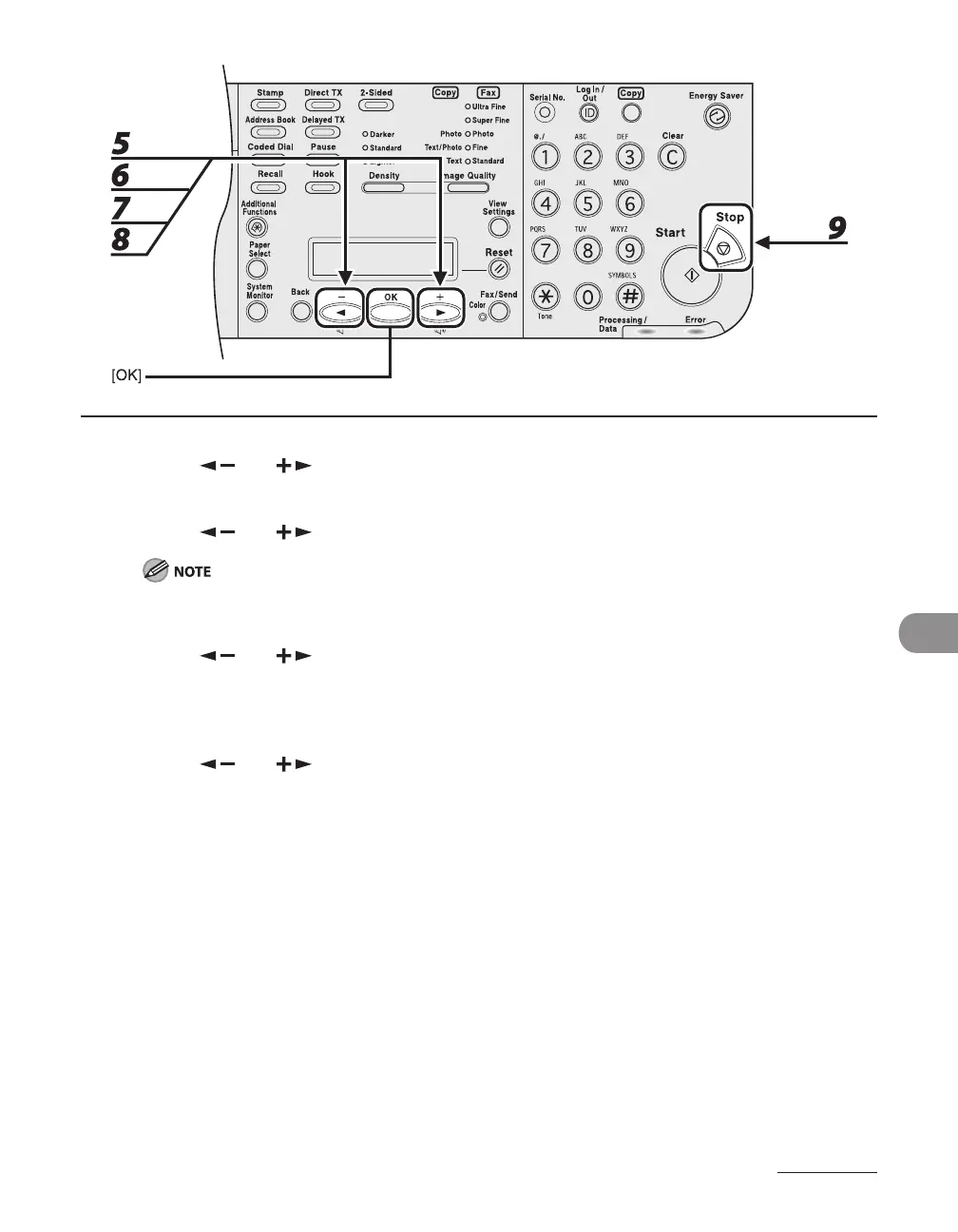
5 Press [ ] or [ ] to select <PAGE TOTALS>, then press [OK].
6 Press [ ] or [ ] to select <VIEW PAGE TOTALS>, then press [OK].
If you select <CLEAR ALL TOTAL>, the counter information is deleted.
7 Press [ ] or [ ] to select the desired function, then press [OK].
You can select <TOTAL PRINT>, <COPY>, <SCAN>, <COLOR SCAN> (LASER CLASS 830i Only), or
<PRINT>.
8 Press [ ] or [ ] to display the desired Department ID, and check the
counter information.
9 Press [Stop] to return to the standby mode.














 To Next Page